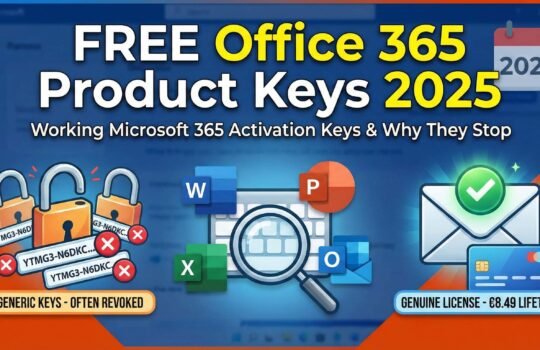
Windows 11 aktivizācijas atslēga bez maksas - riski un juridiskās iespējas
Choosing a genuine Windows 11 activation option can feel risky when every internet search surfaces warnings about piracy, security threats, and scams. For tech-savvy individuals and small business owners, verifying your Windows license means more than software compliance—it impacts data safety, regular updates, and peace of mind. This guide cuts through confusion with plain facts, reliable sources, and clear steps to identify affordable and legitimate ways to activate Windows 11 without risking legal or security trouble.
Satura rādītājs
- What Is A Windows 11 Activation Key?
- Types Of Windows 11 Licenses Explained
- Legal Ways To Get Windows 11 For Free
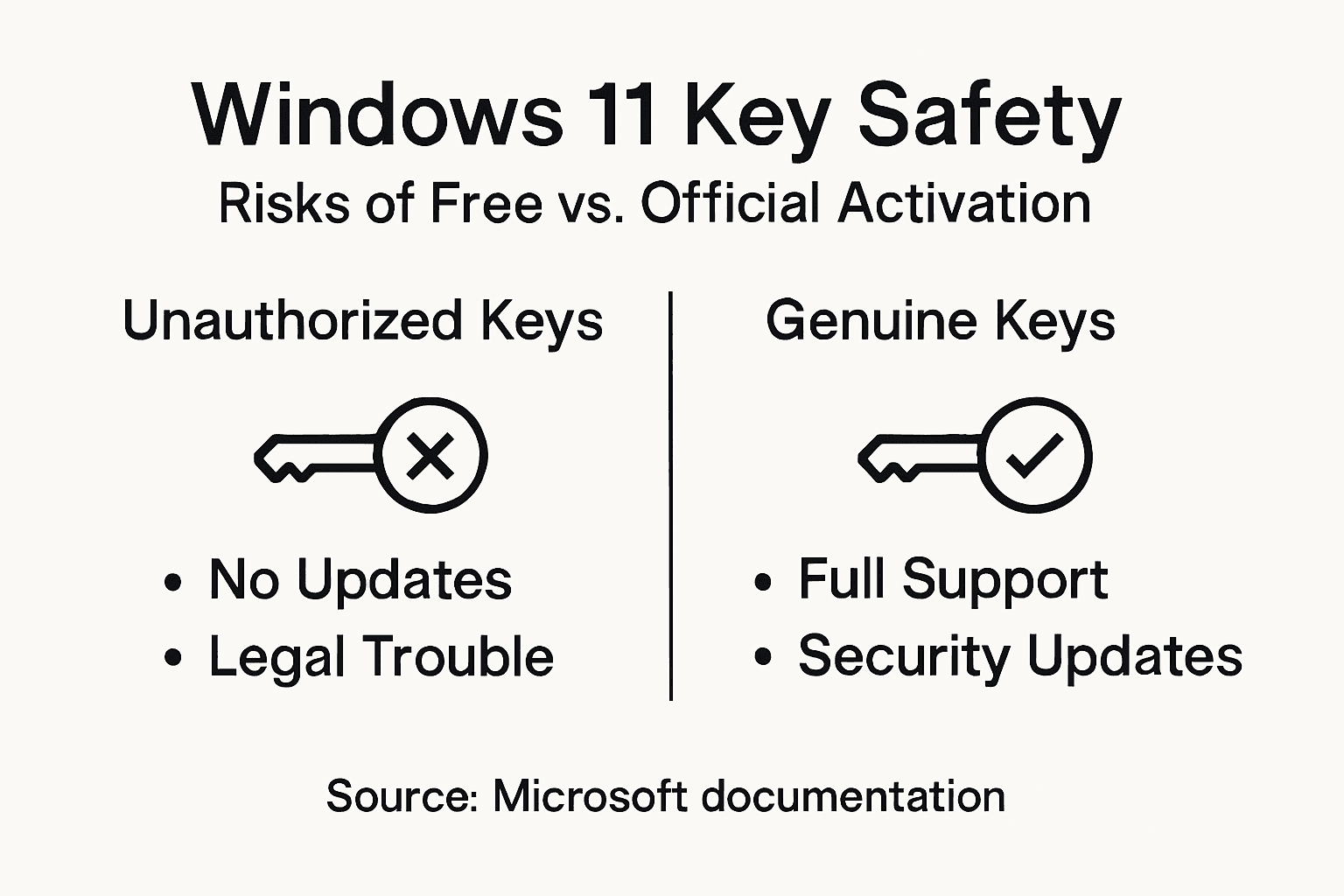
- Risks Of Free And Unauthorized Keys
- How To Buy Genuine Windows 11 Safely
Galvenie secinājumi
| Punkts | Sīkāka informācija |
|---|---|
| Windows 11 Activation Key | A unique 25-character code that verifies the authenticity of your Windows 11 copy, essential for access to updates and features. |
| Types of Activation Keys | Different key formats exist: Retail, OEM, Volume, and Digital licenses, each with varying portability and cost. |
| Legal Risks of Unauthorized Keys | Using free or pirated keys risks legal action, malware infections, and lack of support, which can lead to significant financial consequences. |
| Safe Purchasing | Always buy Windows 11 from official Microsoft sources or authorized retailers to ensure authenticity and receive customer support. |
What Is a Windows 11 Activation Key?
A Windows 11 activation key is a unique 25-character product code that verifies your Windows copy is genuine and licensed. Think of it as your proof of purchase for the operating system.
When you install Windows 11, the system asks for this key during setup. You enter it, and Microsoft’s servers verify it hasn’t been used beyond the licensing terms. This process is called activation.
The Core Purpose of Activation Keys
Activation keys serve several critical functions:
- Verify authenticity: The key confirms you own a legitimate copy, not pirated software
- Prevent piracy: Each key is tied to specific hardware, stopping one key from being installed across multiple computers
- Unlock full features: Without activation, Windows 11 limits functionality and display quality
- Enable updates: Activated systems receive security patches, feature updates, and Microsoft Store access
- Provide support: You’re eligible for customer support only with an activated, genuine installation
Without an activation key, Windows 11 won’t provide updates, security patches, or access to Microsoft Store applications—leaving your system vulnerable and incomplete.
How Activation Keys Work
When you activate Windows using your key, Microsoft links that code to your device’s hardware. This connection means the same key won’t work on different computers. The Microsoft Product Activation technology uses this hardware binding to enforce licensing agreements while allowing you to use Windows legally.
You don’t always need to manually enter a key. Some systems come with digital licenses that activate automatically through your Microsoft account or built-in device recognition.
Key Types and Formats
Activation keys come in different formats depending on how Windows was obtained:
- Retail keys: Purchased individually, transferable to different devices
- OEM atslēgas: Come pre-installed with new computers, typically non-transferable
- Volume licenses: Used by businesses and organizations for multiple installations
- Digitālās licences: Modern activation method tied to your Microsoft account instead of a physical key
Understanding how to locate and use your product key helps you manage your Windows activation properly.
Here is a summary of where and how to obtain different types of Windows 11 activation keys:
| Activation Key Type | How to Obtain | Pārnesamība |
|---|---|---|
| Mazumtirdzniecība | Microsoft Store, authorized retailers | Transferable by deactivating old device |
| OEM | Pre-installed on new PCs | Permanently tied to original computer |
| Volume License | Through business licensing resellers | Limited to organizational use |
| Digitālā licence | Linked to Microsoft account or device | Usually tied to account or hardware |
Profesionāļu padoms: Save your activation key in a secure location like a password manager immediately after purchase—losing it makes reactivation on new hardware extremely difficult.
Types of Windows 11 Licenses Explained
Windows 11 comes in multiple license types, each designed for different situations. Understanding the differences helps you choose the right option for your needs and avoid licensing violations.
Think of licenses like rental agreements. Some let you move to a new place; others lock you into one location. Same applies here.
Retail Licenses
Retail licenses are purchased directly from Microsoft or authorized retailers like Best Buy or Amazon. You get a physical product key or digital license code.
Retail licenses offer the most flexibility:
- Transferable between devices if you follow Microsoft’s rules
- Come with customer support from Microsoft
- Can be used on one device at a time
- Slightly more expensive than OEM licenses
If you upgrade your computer or replace a motherboard, you can deactivate the license on the old device and reactivate on the new one.
OEM Licenses
OEM (Original Equipment Manufacturer) licenses come pre-installed on computers sold by manufacturers like Dell, HP, or Lenovo. You don’t buy them separately.
OEM licenses have strict limitations:
- Tied permanently to the original device’s motherboard
- Cannot be transferred to different hardware
- Cheaper than retail versions
- Still provide security updates and support
OEM licenses make sense if you plan to keep the same computer for years. But they’re worthless if your motherboard fails or you upgrade.
Volume Licenses
Volume licenses are designed for organizations purchasing multiple Windows 11 copies. Companies, schools, and governments use these.
Volume licensing simplifies enterprise deployment:
- Allows multiple device activations under licensing agreements
- Reduces per-unit costs for bulk purchases
- Includes administrative tools for managing activations
- Requires organizations to maintain compliance records
Small businesses rarely need volume licenses unless deploying across 5+ devices.
Digitālās licences
Digital licenses (also called digital entitlement) activate Windows without requiring you to enter a product key. Digital license activation ties the OS to your hardware like the motherboard or your Microsoft account.
This approach eliminates key management headaches. Your device simply recognizes it’s licensed when you sign in.
Quick Comparison
Here’s how the main types stack up:
| Licences veids | Transferable | Izmaksas | Vislabāk piemērots |
|---|---|---|---|
| Mazumtirdzniecība | Yes (with limits) | Higher | Individual users, flexibility |
| OEM | No | Apakšējā | New computer buyers |
| Tilpums | With restrictions | Lowest per-unit | Organizations, businesses |
| Digital | Varies | Varies | Seamless activation |
Choosing the wrong license type can cost you significantly when upgrading hardware or selling your computer—retail offers protection; OEM does not.
Profesionāļu padoms: If you plan to upgrade or replace your computer within 3-5 years, invest in a retail license despite the higher upfront cost—the transferability saves money long-term.
Legal Ways to Get Windows 11 for Free
True legal free access to Windows 11 is limited—Microsoft doesn’t hand out licenses freely to the general public. But several legitimate pathways exist if you qualify.
The key word here is “qualify.” You can’t just download Windows 11 free. You need to meet specific criteria.
Educational Institution Access
If you’re a student or faculty member, your school might provide free Windows 11 licenses. Many universities have Microsoft Campus Agreements that grant free access to Windows 11 Education edition.
This is genuinely free—no strings attached while you’re enrolled or employed:
- Download directly from Microsoft’s education portal
- Activate through your school’s Microsoft account
- Maintain full compliance with licensing terms
- Works as long as your academic status remains active
Check with your school’s IT department. They manage these agreements and can provide download links and activation instructions.
Windows 11 Trial Period
Windows 11 runs without activation for 30 days after installation. This trial period lets you test the OS before purchasing.
During the trial, you get:
- Full functionality and all features
- Security updates and patches
- Time to decide if you want to purchase
After 30 days, you’ll see reminders to activate, but the OS continues working with limitations like watermarks on your screen.
Employer-Provided Licenses
Some companies provide Windows 11 licenses to employees as part of standard IT equipment. If your employer gives you a work computer, it typically comes pre-activated.
This applies only to devices designated for work use. Personal computers don’t qualify under employer agreements.
Microsoft Rewards and Promotions
Microsoft occasionally runs promotions offering discounted or free Windows 11 licenses through Microsoft Rewards or special campaigns. These are rare and usually limited-time offers.
Sign up for Microsoft Rewards notifications to catch these deals when they appear.
The Realistic Truth
Outside educational institutions and employer provisions, paid options are your legitimate route. “Free” often means paying more later through security issues, malware, or system instability.
Legal free Windows 11 access exists only through specific agreements—educational institutions, employers, or Microsoft promotions—not through general public distribution.
Small business owners and individual consumers realistically have three paid options: retail licenses for flexibility, OEM for new computers, or affordable licensed resellers offering genuine Windows activation keys at competitive prices.
Profesionāļu padoms: Check whether your school or employer qualifies you for free access before spending money—educational licenses are legitimate and completely free if you have institutional eligibility.
Risks of Free and Unauthorized Keys
Free activation keys and unauthorized Windows licenses sound tempting. But they come with serious consequences—legal, financial, and security-related.
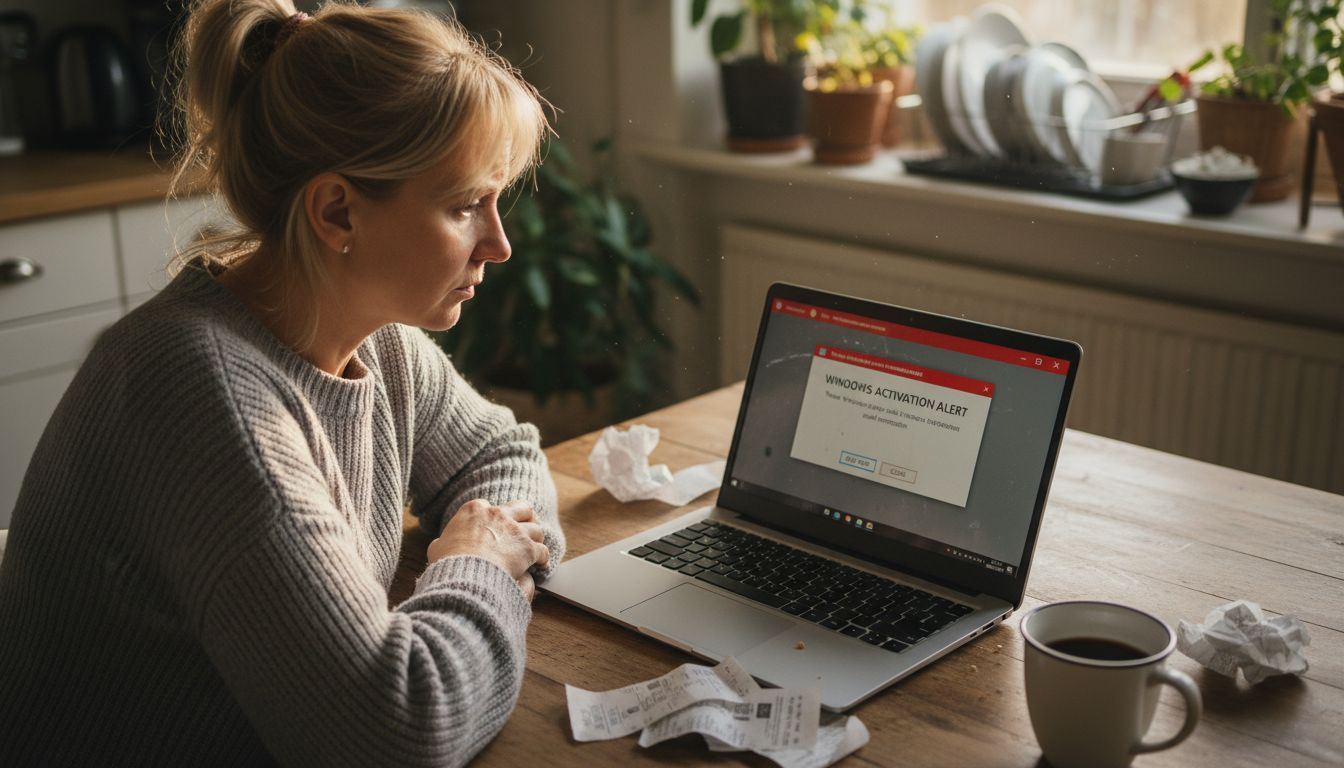
This isn’t just about getting caught. It’s about what happens to your system, your data, and your wallet.
Legal Consequences
Software piracy is illegal. Using unauthorized or cracked Windows keys violates copyright law and Microsoft’s licensing agreement. This isn’t a gray area.
Legal risks include:
- Civil lawsuits from Microsoft demanding damages
- Criminal prosecution in serious cases
- Fines reaching thousands of dollars
- Potential jail time for large-scale piracy
- Business license suspension or revocation
Microsoft actively monitors and pursues piracy cases. Universities, corporations, and government agencies face audits regularly. Individuals aren’t immune either.
Malware and Security Threats
Free keys often come bundled with malicious software. Hackers distribute cracked Windows builds infected with malware, ransomware, or spyware.
Common infections from unauthorized keys include:
- Keyloggers capturing your passwords and banking information
- Ransomware encrypting your files and demanding payment
- Spyware monitoring your activity and stealing personal data
- Botnet software using your computer to attack other systems
- Cryptominers consuming your CPU resources for profit
Once installed, removing this malware is extremely difficult. Your system remains compromised.
Lack of Updates and Support
Unauthorized installations don’t receive security updates from Microsoft. Your system stays vulnerable to known exploits that hackers actively target.
Without updates, you lose:
- Critical security patches
- Bug fixes and performance improvements
- Access to Windows Update
- Customer support from Microsoft
- Compatibility with new software
Security vulnerabilities pile up. It’s like driving with faulty brakes.
System Instability and Poor Performance
Cracked Windows installations are unstable by design. Modifications made to bypass activation create unpredictable behavior.
You’ll experience frequent crashes, freezes, blue screen errors, and inexplicable performance degradation. Troubleshooting becomes a nightmare because the system foundation is compromised.
Enterprise and Organizational Risks
Unauthorized access to software exposes organizations to data breaches, compliance violations, and substantial financial penalties. Regulatory bodies impose fines exceeding millions of dollars.
Businesses using unlicensed Windows face reputation damage, customer trust issues, and operational shutdowns during compliance investigations.
Financial Reality
The hidden costs exceed the initial savings:
- Malware removal and system repairs: $500–$2,000
- Data breach and identity theft recovery: $5,000–$50,000+
- Legal fees and settlements: $10,000–$100,000+
- Business downtime and lost productivity: Immeasurable
One malware infection or legal notice costs far more than purchasing a legitimate Windows license.
Profesionāļu padoms: Invest in genuine licensed keys upfront—the small cost protects your system, data, and legal standing far better than chasing free alternatives that cost thousands in cleanup and penalties.
Review this quick reference on hidden risks and their actual business, legal, and financial impact:
| Risk Area | Example Consequence | Financial Estimate |
|---|---|---|
| Legal Action | Civil suit by Microsoft | $10,000–$100,000+ |
| Malware Attack | Data breach cleanup | $5,000–$50,000+ |
| Lost Updates | Exposure to vulnerabilities | Repeated security costs |
| System Repair | Fixing compromised PC | $500–$2,000 |
How to Buy Genuine Windows 11 Safely
Buying genuine Windows 11 protects your system, keeps you legal, and ensures you get what you paid for. But knowing where to buy matters.
The safest purchases come from official sources and authorized retailers. Avoid marketplace sellers with suspiciously low prices.
Official Microsoft Sources
Buying directly from Microsoft is the safest option. Visit the official Microsoft Store or Microsoft.com to purchase Windows 11 licenses.
Direct purchases give you:
- Guaranteed authentic product keys
- Immediate digital delivery or physical media
- Full customer support from Microsoft
- Easy license transfers if needed
- Money-back guarantees
You’ll pay full retail price, but you get exactly what you’re buying.
Authorized Retailers
Major tech retailers like Best Buy, Amazon, Newegg, and B&H Photo are authorized Microsoft resellers. These companies have agreements with Microsoft and sell only genuine licenses.
Authorized retailers offer:
- Competitive pricing compared to direct Microsoft sales
- Physical boxed versions or digital codes
- Return policies and customer protection
- Verification of authenticity
- Established reputations to protect
Always check that the retailer is officially authorized before purchasing.
Business Licensing Resellers
For organizations, licensed resellers specializing in volume licenses offer legitimate options. These resellers are vetted by Microsoft and provide:
- Bulk purchase discounts
- Compliance documentation
- Activation support
- License management tools
They cater to small businesses needing multiple copies without piracy risks.
What to Verify Before Buying
Before completing your purchase, verify these details:
- The seller displays a Microsoft partnership badge or certification
- Pricing falls within standard market range (significantly low prices signal counterfeits)
- The product key comes with activation instructions
- Return policies are clearly stated
- Customer reviews are generally positive
Checking whether Windows 11 is genuine involves verifying activation status in settings after installation.
Red Flags to Avoid
Don’t buy from sources showing these warning signs:
- Unknown sellers on unverified marketplaces
- Keys priced 70% below standard retail
- No seller contact information or reviews
- Promises of “free activation” or “unlimited activations”
- Sellers offering bulk keys at dirt-cheap rates
- No return policy or buyer protection
Legitimate Windows 11 licenses cost $99–$200 depending on edition—anything significantly cheaper is likely counterfeit or stolen.
Activation and Documentation
Once you purchase, keep your documentation. Save your product key, receipt, and activation confirmation email.
Safe activation involves using legitimate keys through official Microsoft channels, either online or by phone, ensuring compliance and security.
Profesionāļu padoms: Store your product key in a password manager immediately after purchase—if your computer fails, you’ll need it to reactivate on replacement hardware.
Secure Your Windows 11 Activation with Genuine Licenses Today
Navigating the risks of free or unauthorized Windows 11 activation keys can feel overwhelming and risky. This article highlights critical dangers like malware infections, legal penalties, and loss of updates. Don’t gamble with the security and legality of your system when official, affordable solutions exist. Protect your data and peace of mind by choosing authentic licenses that guarantee full Microsoft support and compliance.

Discover our secure platform specializing in original Windows 11 Pro and OEM digital licenses designed for individuals and small businesses seeking trusted software solutions. With instant delivery and comprehensive customer assistance, you can avoid the hidden costs of counterfeit keys and ensure seamless activation. Take control of your Windows experience and shop genuine activation keys now at operacinesistema.lt checkout for legal, affordable licensing options. For details on risks and legal options, explore our guide on Free Windows 11 Pro Activation Keys and learn how to find and use your product key. Act now to secure your Windows license safely and avoid future complications.
Biežāk uzdotie jautājumi
What is a Windows 11 activation key?
A Windows 11 activation key is a unique 25-character product code that verifies your copy of Windows is genuine and licensed. It is used during installation to activate the operating system and unlock full functionality.
How do activation keys prevent software piracy?
Activation keys are tied to specific hardware, ensuring that one key cannot be used on multiple devices. This binding helps validate that the software is genuine and not illegally copied.
What are the risks of using free or unauthorized activation keys?
Using free or unauthorized activation keys can lead to serious consequences, including legal action from Microsoft, exposure to malware and security threats, lack of updates and support, and system instability.
How can I legally get Windows 11 for free?
You may be able to access Windows 11 for free through your educational institution if they provide licenses, during a 30-day trial period, through employer-provided licenses, or by participating in Microsoft promotions. However, these options typically have specific eligibility requirements.
Ieteicamais
- Bezmaksas Windows 11 aktivizēšanas atslēgas un kā aktivizēt uz visiem laikiem (2026 atjaunināts) - operacinesistema.lt
- Bezmaksas Windows 11 Pro aktivizācijas atslēgas 2026 - operacinesistema.lt
- Free Windows 11 Product Keys: What’s Real? – operacinesistema.lt
- Bezmaksas Windows 11 aktivizēšanas atslēgas un kā aktivizēt uz visiem laikiem (2026 atjaunināts) - operacinesistema.lt