Why Buy Genuine Windows: Your Smart Investment Guide
TL;DR:
- Buying genuine Windows ensures reliable security updates, activation, and technical support, unlike counterfeit keys that pose malware and deactivation risks. The type of license—retail, OEM, or volume—affects transferability and support, making proper knowledge essential before purchase. Always buy from verified sources, verify activation after purchase, and avoid ultra-cheap keys to safeguard long-term system security and functionality.
You already know that Windows isn’t free. So when you see a $5 key on a random marketplace, the question “why buy genuine Windows” starts to feel very relevant. The short answer: that $5 key is almost never what it appears to be. The real reasons to choose genuine Windows go far beyond just following the rules. Security patches, reliable activation, technical support, and protection from malware are all on the line. This guide breaks down exactly what you get with a genuine license, what you risk without one, and how to make a smart purchase decision.
Table of Contents
- Key Takeaways
- Why buy genuine Windows: security updates that actually reach you
- The real risks of counterfeit Windows
- Understanding Windows license types
- What activation actually unlocks for you
- How to safely purchase genuine Windows
- My take: the hidden cost of cutting corners
- Get a genuine Windows license you can trust
- FAQ
Key Takeaways
| Point | Details |
|---|---|
| Security updates require genuine activation | Only properly activated Windows receives critical patches that protect against real threats. |
| Counterfeit keys carry serious risks | Fake or grey-market keys can be blacklisted, deactivated, or deliver malware to your system. |
| License type affects usability | Retail, OEM, and volume licenses each have different rules for transferability and support. |
| Activation unlocks full features | Unactivated Windows restricts personalization, settings, and access to official Microsoft support. |
| Verified sellers protect your purchase | Buying from trusted resellers ensures your key is legitimate, supported, and won’t disappear overnight. |
Why buy genuine Windows: security updates that actually reach you
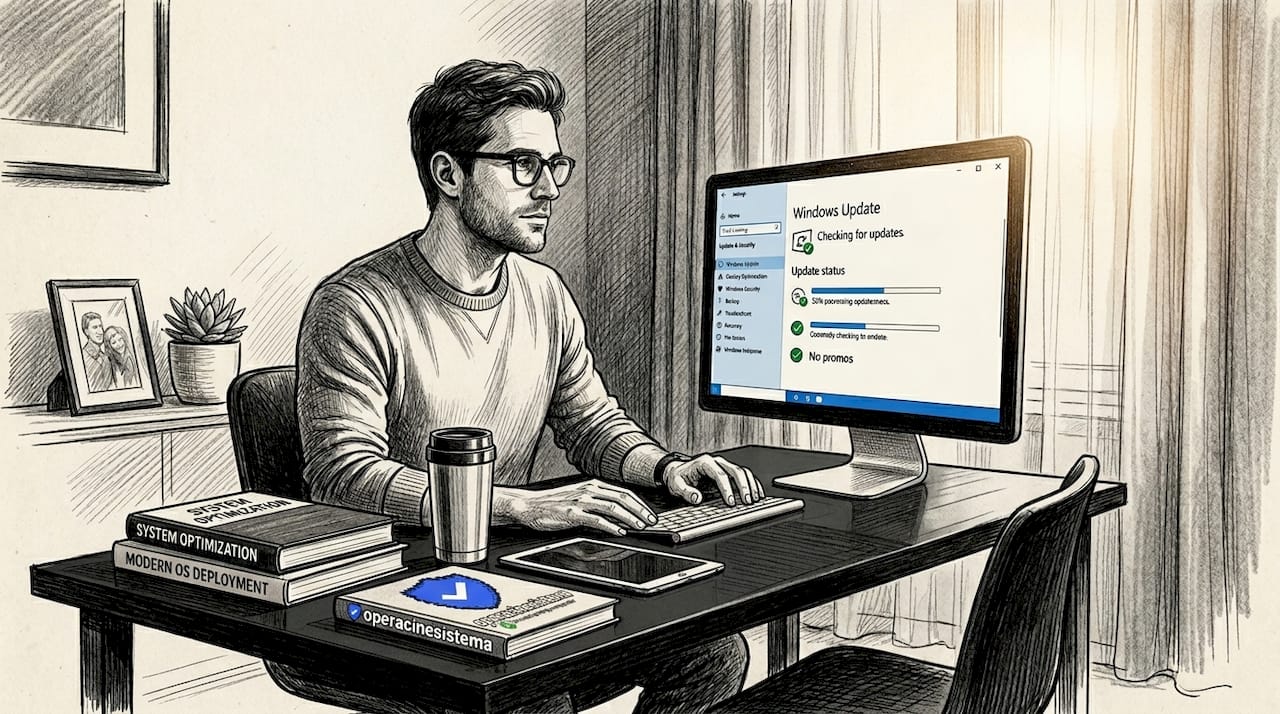
Every month, Microsoft releases what’s known as Patch Tuesday. These updates fix real vulnerabilities that attackers actively exploit. The May 2026 release alone included fixes for 137 security issues across Windows 10 and 11. Here’s the catch: your system only receives those fixes if your Windows license is properly activated.
Non-genuine or unactivated installations often hit walls when it comes to cumulative updates. Microsoft’s update infrastructure checks license status before delivering patches. If your license is flagged or inactive, you may miss critical security fixes entirely, sometimes without any obvious warning on your screen.
Why does this matter for you specifically?
- ✅ Genuine Windows receives full cumulative updates automatically
- ✅ Critical security patches close known vulnerabilities in real time
- ✅ Quality updates fix performance bugs, driver issues, and compatibility problems
- Unactivated or fake licenses may silently fail to receive updates
- Missing patches leave your system exposed to threats patched months ago
Pro Tip: Always check your update status by going to Settings > Windows Update. If you see repeated errors or updates that never complete, your license status may be the root cause.
The importance of genuine Windows becomes even clearer when you look at the threat environment. Activation and genuine licensing status directly affects update reliability, which is the single biggest factor in long-term system security. Skipping a genuine license doesn’t just limit features. It leaves a gap that attackers know how to find.
The real risks of counterfeit Windows
Most people assume the worst that can happen with a fake Windows key is a warning message. The actual risks are much more serious.
Malware disguised as legitimate software is one of the most dangerous hazards. Researchers have documented cases where fake Windows update pages used typosquatted Microsoft URLs to trick users into downloading malware. These installers look legitimate, walk you through a normal-looking setup, and then quietly steal passwords, payment info, and system access. Some persist through boot mechanisms, meaning a simple restart won’t remove them.
The risks go beyond malware alone:
- Deactivation without warning: Unauthorized keys are often recycled OEM or diverted volume licenses. When Microsoft detects abuse, those keys get blacklisted. Your activated system can lose its license status overnight.
- No legal protection: Grey-market or fraudulent keys come with no guarantee. If the key stops working, you have no recourse.
- Feature and settings restrictions: Even before deactivation, Windows running on a suspicious key may show watermarks, block settings, or behave unpredictably.
- Compliance exposure for businesses: If your business gets audited, unlicensed software triggers legal and financial consequences.
“The biggest practical risk with counterfeit Windows isn’t legal trouble. It’s real-world cyber threats from fake updates and malware installations that follow.” — Security research insight
Pro Tip: If a seller offers Windows keys well under $30, treat it as a red flag. Genuine retail licenses reflect real costs. Prices that seem impossible usually mean the product is compromised, stolen, or about to be deactivated.
You can learn more about avoiding malware traps from fake software sellers and what makes a purchase genuinely safe. The genuine windows vs counterfeit comparison always lands in the same place: the short-term savings are not worth the long-term risk.
Understanding Windows license types
Not all genuine licenses work the same way. Knowing the difference is key to buying the right one for your situation.
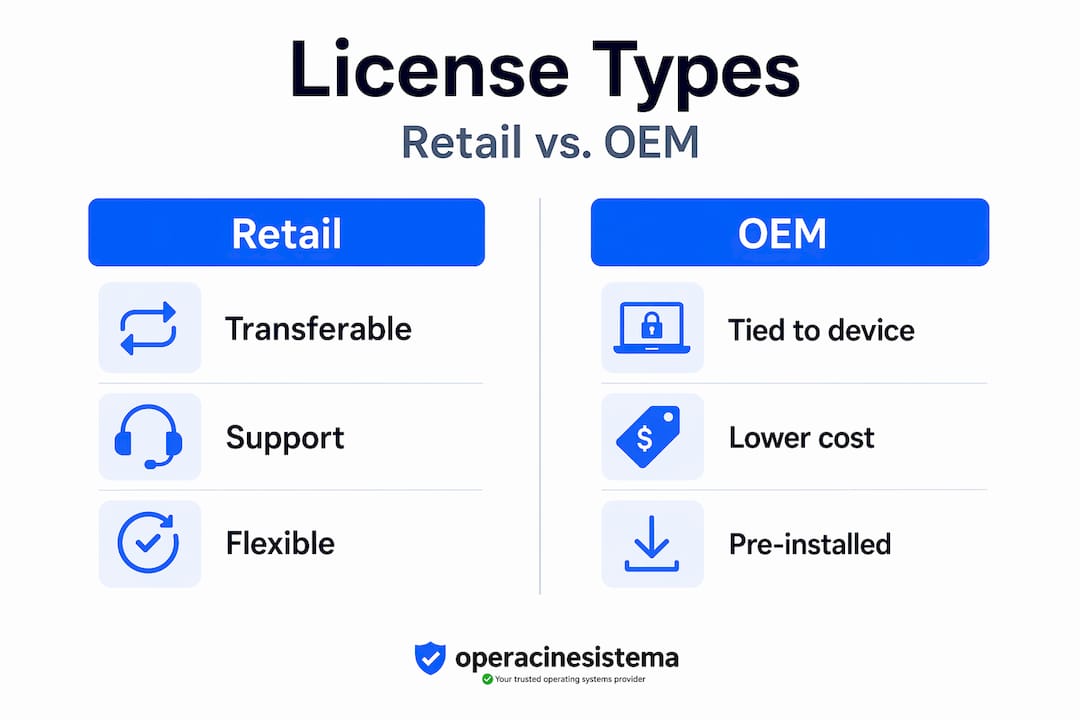
| License Type | Who It’s For | Transferable? | Support Access |
|---|---|---|---|
| Retail | Individuals, power users | Yes, to new hardware | Full Microsoft support |
| OEM | Pre-installed on new PCs | No, tied to original hardware | Limited, via PC maker |
| Volume | Organizations (10+ devices) | Managed by organization | Through volume agreement |
Retail licenses give you the most flexibility. You can move the license to a new PC if you replace your machine. This makes them ideal for individuals who upgrade hardware every few years and for small businesses that need portability.
OEM licenses come pre-installed on new computers by manufacturers. They’re cheaper because they’re permanently tied to that machine. If your motherboard fails or you build a new PC, the OEM license doesn’t transfer. This is worth knowing before you buy a cheap OEM key from an unofficial source, since many ultra-cheap keys sold online are actually diverted OEM licenses that violate Microsoft’s terms.
Volume licenses serve organizations managing multiple machines. They require a volume licensing agreement with Microsoft and aren’t intended for individual purchase. When you see a $1 or $3 key online, it’s often a volume license pulled from a corporate agreement and resold illegally. These keys face the highest risk of deactivation.
Here’s how to recognize a genuine license:
- ✅ Comes with a Certificate of Authenticity or official invoice
- ✅ Purchased from a verified Microsoft partner or authorized reseller
- ✅ Pricing reflects the actual license type (not suspiciously below market)
- ✅ Includes proper documentation and verifiable activation support
Understanding Windows license types before you buy prevents costly mistakes, especially for small businesses managing multiple devices.
What activation actually unlocks for you
A lot of people run unactivated Windows without realizing just how much they’re giving up. It isn’t just a watermark on the desktop. The restrictions are real and affect daily use.
Unactivated Windows 11 blocks access to:
- Wallpaper and theme customization
- Accent colors and personalization settings
- Some device pairing and Bluetooth configuration
- Volume control and other core system settings
- Microsoft support eligibility for technical issues
Beyond the feature limits, there’s a practical issue that gets overlooked: hardware changes. When you replace a hard drive or upgrade your CPU, Windows may need to reactivate. Activation linked to your Microsoft account makes this process simple. You log in, confirm your identity, and the license reattaches. Without a genuine license tied to your account, you’re stuck troubleshooting activation errors after every hardware change.
Most activation failures happen because of mismatches between the license edition and the activation system. A retail key won’t activate a volume-licensed installation and vice versa. Buying the right genuine license from the start eliminates this entirely.
Pro Tip: After activation, link your Windows license to your Microsoft account through Settings > System > Activation. This creates a digital entitlement that survives hardware changes and fresh installs without needing to re-enter a product key.
Activation is also a gateway to official Microsoft support. If you call or chat with Microsoft support about a system issue, one of the first things they check is whether your copy of Windows is genuine. Without confirmed activation, support options become very limited.
How to safely purchase genuine Windows
Buying a genuine license doesn’t have to be complicated. Follow these steps to avoid scams and get a key that works now and six months from now.
-
Buy from authorized channels or verified resellers. Microsoft sells licenses directly. Verified third-party resellers like Operacinesistema also offer genuine OEM and retail keys with documented sourcing and support.
-
Check for documentation. A legitimate purchase comes with an invoice, clear license terms, and either a digital delivery confirmation or a Certificate of Authenticity for physical products. No documentation means no protection.
-
Avoid ultra-cheap marketplace listings. Platforms that host private sellers frequently list stolen, recycled, or fake keys. Microsoft recommends using only Settings > Windows Update for updates and only official or verified sources for license purchases.
-
Download Windows only from Microsoft. Go to microsoft.com to download official installation media. Never download a Windows ISO from a third-party site. Unofficial ISOs frequently contain pre-installed malware.
-
Verify your activation status after purchase. Open Settings > System > Activation. You should see “Windows is activated with a digital license” or “activated with a product key.” If it says “Windows is not activated,” contact your seller immediately.
-
Use the slmgr tool for detailed checks. Open Command Prompt and run "slmgr /dli` to confirm your license channel and status. This shows whether you’re on a retail, OEM, or volume license and whether activation is confirmed.
Pro Tip: Keep a screenshot of your activation status and your purchase confirmation in the same folder. If anything changes after a Windows update or hardware swap, you’ll have the documentation to resolve it quickly.
The [step-by-step buying process](https://www.operacinesistema.lt/secure-windows-license-buying-guide-step by-step/) for genuine software removes most of the guesswork. Knowing what to look for and where to buy protects you before the transaction even happens.
My take: the hidden cost of cutting corners
By Danielius
I’ve talked to dozens of small business owners who’ve gone the cheap key route and regretted it. Not because they got caught in a compliance audit, though that does happen. Because at the worst possible moment, a key got blacklisted, Windows started showing “not activated” across every screen, and suddenly IT time was consumed fixing something that should have been a non-issue.
In my experience, the math is simple. A retail Windows license costs what it costs because it comes with guarantees. The trade-off between cheap keys and genuine licenses always comes down to short-term savings versus long-term risk. And when the risk materializes, it always costs more than the original savings.
What I’ve seen too often is businesses that treat Windows licensing as an afterthought. They spend thousands on hardware and then balk at a $50 license. But that license is what keeps your security patches coming, your system functional, and your IT problems solvable.
The cybersecurity picture in 2026 makes this even more pressing. Fake update pages that look indistinguishable from real Microsoft pages are circulating actively. If your team is running unverified software, one wrong click can compromise your whole network. Genuine Windows, with proper activation and real updates flowing in, is a baseline defense. Not a luxury.
My honest advice: factor the license cost into the cost of the machine. Buy once, buy right. And if budget is a concern, work with a verified reseller who can offer genuine OEM keys at reasonable prices without the deactivation risk.
— Danielius
Get a genuine Windows license you can trust
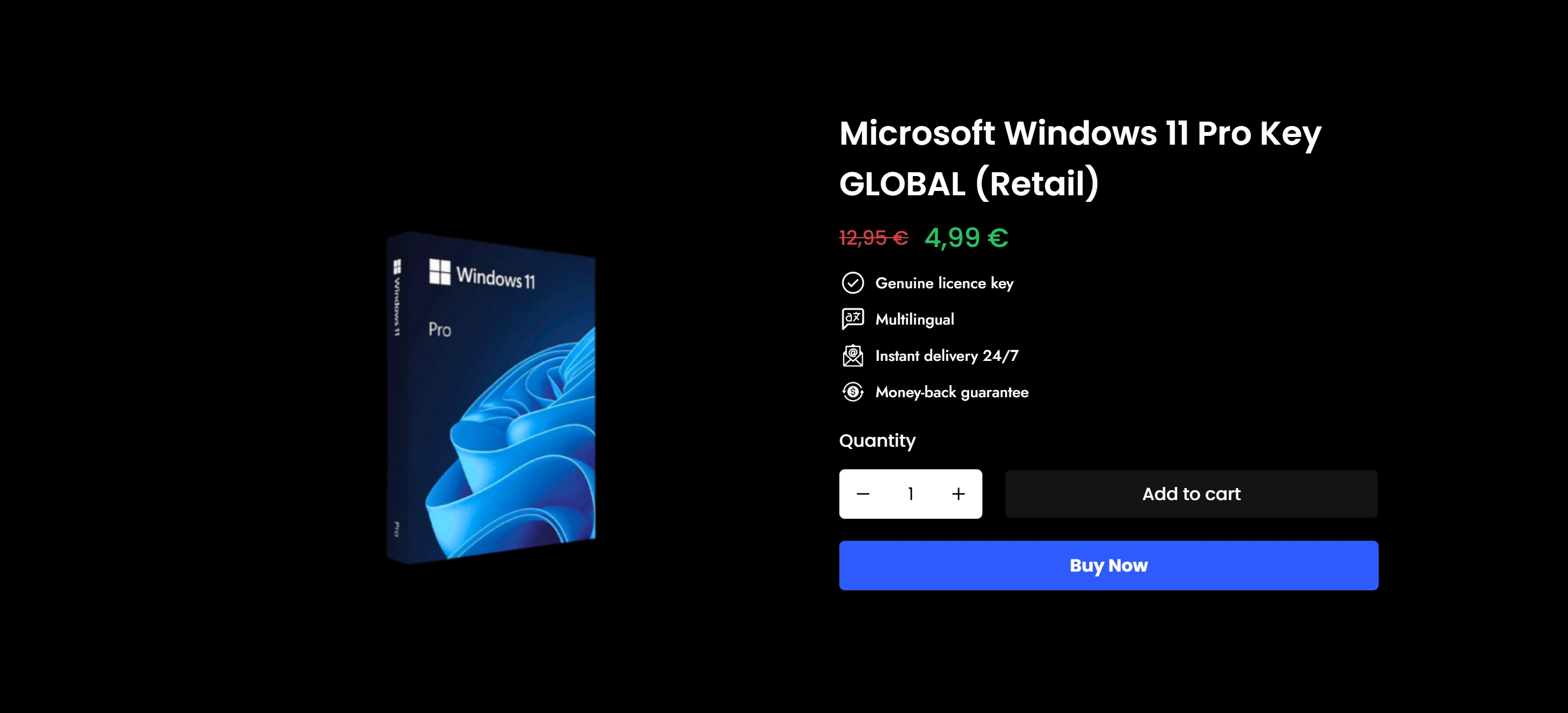
If this article made you reconsider that suspiciously cheap key, you’re in the right place. Operacinesistema specializes in genuine Windows 10 and Windows 11 Pro licenses, including both retail and OEM versions, with instant digital delivery and full support. Every key sold is verified for authenticity, so you’re not left scrambling if something goes wrong.
Whether you need a single license for your home PC or several for your small business, Operacinesistema gives you options backed by real documentation and customer support. You can browse available Windows product keys directly or explore all license types to find the right fit for your setup. The buying genuine windows benefits are only real when the key itself is real. Start there.
FAQ
Why does genuine Windows matter for security?
Genuine Windows receives full Patch Tuesday updates, including critical security fixes. Non-genuine or unactivated systems often miss these patches, leaving known vulnerabilities open for attackers.
Can a cheap Windows key get deactivated?
Yes. Unauthorized or grey-market keys are frequently recycled OEM or diverted volume licenses. Microsoft can blacklist these at any time, which deactivates your system without warning.
What features does unactivated Windows block?
Unactivated Windows 11 restricts wallpapers, themes, accent colors, and some device settings. It also limits your ability to get technical support from Microsoft for system issues.
What is the safest way to buy a Windows license?
Buy from Microsoft directly or from a verified reseller who provides documentation and support. Always verify activation immediately after purchase using Settings > System > Activation.
Does the type of Windows license affect long-term use?
Absolutely. Retail licenses transfer to new hardware, OEM licenses are tied to one machine, and volume licenses require organizational agreements. Choosing the wrong type can cause activation failures during hardware upgrades or device refresh cycles.