Why secure software protects data and avoids costly risks
Using unlicensed or unsecured software puts your business at risk every single day. Many IT professionals and small business owners underestimate the immediate legal, financial, and operational threats lurking in non-compliant software. One overlooked vulnerability can trigger data breaches, regulatory penalties, and irreversible reputational damage. This guide explains why securing your software is essential and how proper licensing safeguards your operations, data integrity, and bottom line.
Índice
- The Risks Of Unlicensed And Unsecured Software
- How Licensed Software Protects Your Business
- Maintaining Compliance And Managing Software Licenses Effectively
- The Cybersecurity Landscape In 2026: Why Secure Software Is More Critical Than Ever
- Secure Your Software With Trusted Licensing Solutions
- Perguntas frequentes
Principais conclusões
| Ponto | Detalhes |
|---|---|
| Unlicensed software exposes your business to legal penalties and cyber threats | Using non-compliant software invites fines, audits, malware, and data leaks that can cripple operations. |
| Licensed software ensures regular security updates and technical support | Genuine licenses provide timely patches, vendor support, and stability that protect against evolving threats. |
| Securing software reduces breach risks and operational instability | Proper licensing and update management prevent crashes, data loss, and productivity disruptions. |
| Small businesses face high cyberattack costs but can mitigate risks | Cyberattacks on SMBs cost millions on average, yet proactive security practices reduce damages significantly. |
| Maintaining license compliance avoids costly audits and fines | Accurate records, clear policies, and decommissioning processes prevent expensive surprise audits. |
The risks of unlicensed and unsecured software
Unlicensed software exposes businesses to legal issues, cybersecurity risks, and operational instability. Many organizations assume they can cut costs by skipping proper licensing, but this decision often backfires with devastating consequences. Understanding these risks helps you make informed decisions that protect your business from avoidable disasters.
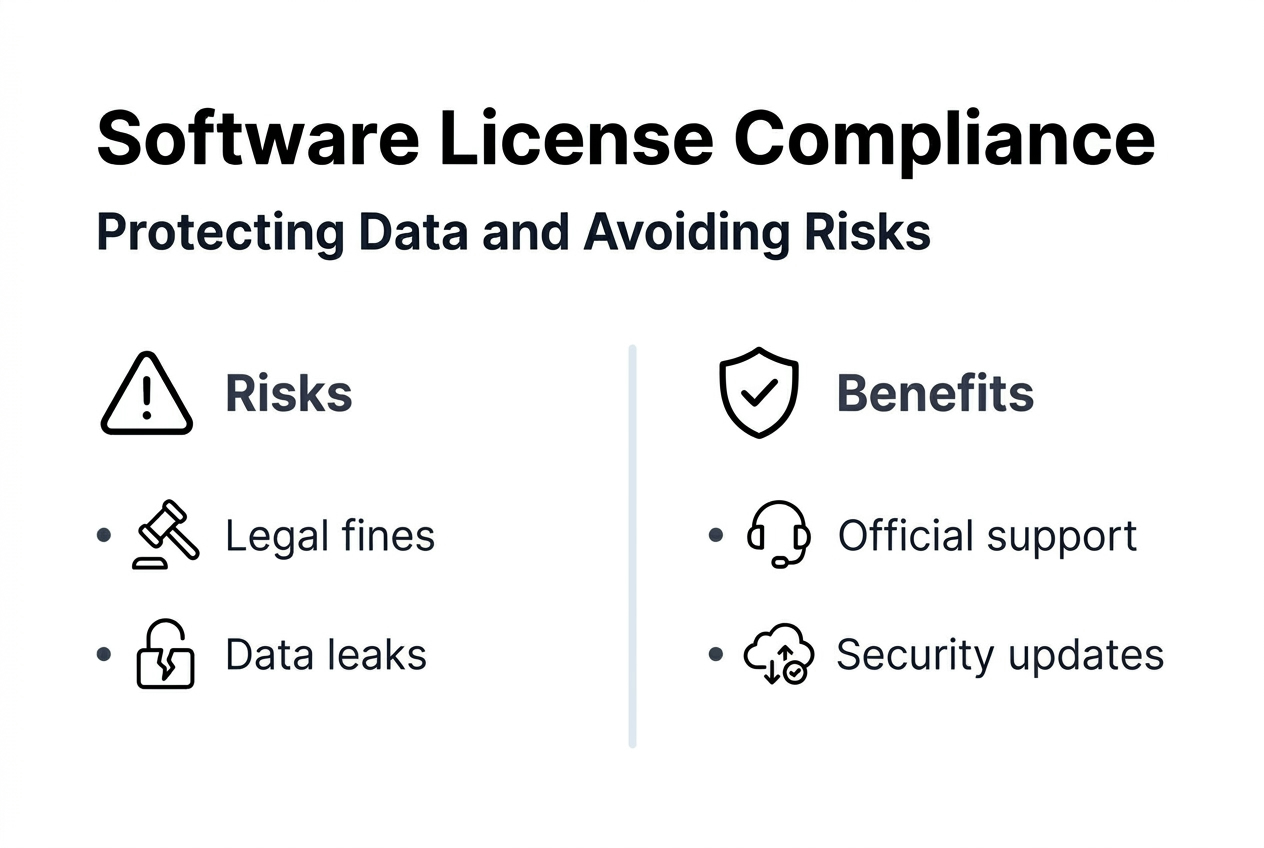
Legal penalties represent the most immediate threat. Software vendors actively enforce compliance through audits, and businesses can face significant financial penalties from licensing audits. These audits often arise from employee departures, whistleblower reports, or routine vendor checks. When auditors discover unlicensed installations, fines can reach tens of thousands of dollars per violation, plus legal fees and mandatory license purchases at inflated rates.
Cybersecurity threats multiply exponentially with unlicensed software. Without access to official security patches and updates, your systems become vulnerable to known exploits that hackers actively target. Unlicensed software often comes bundled with malware, ransomware, or backdoors that compromise sensitive data. A single breach can expose customer information, financial records, and intellectual property, triggering regulatory fines under data protection laws and destroying years of trust building.
Operational risks include frequent system crashes, data corruption, and compatibility issues. Unlicensed software lacks the stability testing and quality assurance that legitimate vendors provide. You may experience:
- Unexpected downtime that halts productivity and revenue generation
- Lost data from corrupted files or failed backups
- Incompatibility with other business systems and software
- Inability to access technical support when critical issues arise
Reputational damage follows inevitably when security incidents or legal violations become public. Customers, partners, and investors lose confidence in organizations that cut corners on software compliance. The benefícios do software licenciado extend far beyond avoiding penalties, they signal professionalism and commitment to security standards that stakeholders expect.
Pro Tip: Document every software installation and license key in a centralized database that tracks purchase dates, renewal schedules, and assigned users to prepare for potential audits.
How licensed software protects your business
Genuine licensed software receives official updates, security patches, and technical support from providers. These components form the foundation of a secure IT environment that protects sensitive data and maintains operational continuity. Licensed software transforms from a cost center into a strategic asset that enables growth and resilience.

Security patches close vulnerabilities before attackers exploit them. Software vendors continuously monitor threat landscapes and release updates addressing newly discovered weaknesses. With licensed software, you receive these patches automatically or through managed update channels. This proactive defense prevents zero-day exploits and keeps your systems ahead of evolving attack methods that target outdated installations.
Technical support access proves invaluable when issues arise. Licensed users can contact vendor support teams for troubleshooting, configuration guidance, and compatibility questions. This direct line to experts reduces downtime dramatically compared to searching online forums or relying on unverified solutions. Support contracts often include priority response times and dedicated account managers for business licenses.
Legal compliance preserves your business reputation and avoids costly audits. Operating with proper licenses demonstrates due diligence to regulators, auditors, and business partners. You can confidently respond to compliance inquiries with documentation proving legitimate software use. This transparency builds trust with customers who increasingly scrutinize vendor security practices before signing contracts.
Secure systems benefit businesses of all sizes as a first line of defense against cyberattacks. Comprehensive security requires integrating hardware protections, software safeguards, and human practices into a cohesive strategy. Licensed software provides the software layer foundation that works with firewalls, encryption, and access controls to create defense in depth.
Employee education completes the security picture. Even the most secure licensed software cannot protect against phishing attacks or social engineering if users lack awareness. Train your team to recognize suspicious emails, use strong passwords, and follow software usage policies. Combine software safety features genuine licenses provide with ongoing security awareness programs.
Pro Tip: Schedule quarterly reviews of your software inventory to identify unused licenses, renewal deadlines, and opportunities to consolidate subscriptions for cost savings.
Maintaining compliance and managing software licenses effectively
Effective license management prevents audit surprises and optimizes software spending. Software licensing audits result in significant financial penalties and are often triggered by employee departures or violation reports. Proactive management transforms compliance from a reactive burden into a strategic advantage that demonstrates organizational maturity.
Follow these essential steps to maintain compliance:
- Create a centralized license inventory documenting all software purchases, keys, and assignments.
- Establish clear policies governing software installation, usage, and removal across your organization.
- Implement automated tracking tools that monitor license usage in real time and flag potential violations.
- Develop formal decommissioning procedures that revoke licenses immediately when employees leave.
- Schedule regular internal audits to identify discrepancies before external auditors discover them.
- Designate a compliance officer responsible for license management and vendor communication.
Maintaining accurate records and proper software decommissioning reduces audit risks and penalties. When employees depart, their software access becomes a common audit trigger. Former employees may report unlicensed software to vendors seeking whistleblower rewards, or routine offboarding procedures may reveal compliance gaps. Address these risks by immediately documenting license transfers or terminations in your inventory system.
Automated tools streamline compliance for growing organizations. Software asset management platforms scan networks to discover installed applications, compare them against license entitlements, and generate compliance reports. These tools reduce manual tracking errors and provide audit-ready documentation. Many platforms integrate with procurement systems to automatically update inventories when new licenses are purchased.
Regular policy reviews ensure alignment with evolving business needs and software licensing models. As you adopt cloud services, subscription software, and user-based licensing, your policies must adapt. Review licensing agreements annually to understand usage rights, transfer restrictions, and audit clauses. Consider consulting the microsoft licensing compliance guide to navigate complex enterprise agreements.
Pro Tip: Negotiate audit terms directly into licensing agreements, including advance notice periods, audit frequency limits, and dispute resolution processes that protect your interests.
The cybersecurity landscape in 2026: why secure software is more critical than ever
Cyberattack frequency and sophistication reached unprecedented levels in 2026. Over 83% of organizations have suffered multiple data breaches, and cyberattacks on small businesses rose 47% year-over-year. Small and medium businesses face the same threats as enterprises but often lack dedicated security teams and budgets to defend effectively. Understanding current threat statistics helps contextualize the urgency of securing your software infrastructure.
Data breach costs continue climbing for organizations of all sizes. Nearly 50% of small businesses have been hit by cyber attacks, costing an average $10.22 million per breach for organizations. These costs include incident response, legal fees, regulatory fines, customer notification, credit monitoring services, and lost business during recovery. Micro-businesses with fewer than 50 employees face disproportionate impacts because single incidents can consume entire annual revenues.
| Threat Category | 2026 Statistics | Impact on SMBs |
|---|---|---|
| Breach Frequency | Attacks every 11 seconds | 60% of SMBs close within 6 months after major breach |
| Average Cost | $10.22M per breach | Equivalent to 2-3 years revenue for typical small business |
| Attack Growth | 47% year-over-year increase | Resource-limited SMBs struggle to keep pace with threats |
| Employee Risk | 40% cite negligence as top concern | Insider threats and mistakes bypass technical defenses |
Employee negligence remains a persistent vulnerability despite technical controls. Human error causes or contributes to the majority of successful breaches through actions like:
- Clicking phishing links that install malware or steal credentials
- Using weak passwords across multiple systems and services
- Sharing login information with colleagues or external parties
- Ignoring security warnings and installing unauthorized software
- Failing to report suspicious activity or potential incidents promptly
Incident response planning dramatically reduces breach impacts. Organizations with documented response plans avoid major damages in 80% of attacks by containing incidents quickly, preserving evidence, and coordinating communication. Plans should define roles, escalation procedures, communication protocols, and recovery priorities. Regular tabletop exercises ensure team readiness when real incidents occur.
Cybersecurity spending varies widely but correlates directly with breach prevention success. Many SMBs allocate less than 5% of IT budgets to security, while mature organizations invest 10 to 15%. Prioritize spending on foundational controls like licensed software with automatic updates, endpoint protection, backup systems, and security awareness training. Review the microsoft OS security checklist 2026 for practical hardening steps that maximize security ROI.
Secure your software with trusted licensing solutions
Protecting your business starts with choosing genuine software licenses from verified providers. Every licensed installation strengthens your security posture while ensuring legal compliance and operational stability. The difference between genuine and unlicensed software extends far beyond price tags, it determines whether you build on solid foundations or risk catastrophic failures.

Genuine license keys eliminate malware risks and provide access to official support channels that resolve issues quickly. When you purchase from trusted sources, you receive authentic product keys backed by vendor warranties and update entitlements. These licenses integrate seamlessly with security tools and management platforms, enabling centralized control over your software environment.
Explore secure Microsoft OS licenses 2026 designed specifically for small and medium businesses. Understanding software safety features genuine licenses provide helps you evaluate vendors and make informed purchasing decisions. Follow expert secure Microsoft software buying tips to ensure compliance and maximize your security investment.
Frequently asked questions
What are the most common risks of using unlicensed software?
Unlicensed software exposes your business to legal penalties including fines up to $50,000 per violation, data breaches from unpatched vulnerabilities, and system instability causing crashes and data loss. You also forfeit access to technical support, leaving critical issues unresolved. The cumulative cost of these risks far exceeds legitimate licensing expenses.
How can software licensing audits be triggered?
Audits commonly start when employees leave your organization and report unlicensed software to vendors, either intentionally or during exit processes. Vendors also initiate audits based on usage data, anonymous tips, or routine compliance checks of license agreements. Mergers, acquisitions, and public company filings can trigger vendor scrutiny of software compliance.
What steps help businesses avoid licensing compliance violations?
Implement centralized license tracking systems documenting all purchases, installations, and user assignments. Establish formal policies for software procurement, installation approval, and license decommissioning. Conduct internal audits quarterly to identify discrepancies before external auditors find them. These proactive measures demonstrate due diligence and reduce penalty severity if violations occur.
How does genuine software improve overall security posture?
Licensed software receives timely security patches closing vulnerabilities that attackers actively exploit. Vendors test updates for stability and compatibility, reducing risks of system failures. You gain access to security features, threat intelligence, and hardening guidance unavailable with unlicensed versions. This comprehensive protection significantly reduces successful breach rates.
How can small businesses minimize cyberattack risks related to software?
Maintain licensed software with automatic updates enabled to receive security patches immediately upon release. Educate employees about phishing, password security, and safe software practices through regular training sessions. Develop a formal incident response plan defining roles and procedures for detecting, containing, and recovering from attacks. Consider cybersecurity insurance and managed security service providers for expert support.
What steps should IT professionals take to ensure software license compliance?
Keep accurate, up-to-date license inventories tracking purchases, deployments, and available entitlements in a centralized database. Use automated license management tools that scan networks, identify installed software, and compare against entitlements. Establish clear internal policies governing software requests, approval workflows, installation procedures, and decommissioning when users leave. Prepare audit documentation including purchase receipts, license certificates, and deployment records that demonstrate compliance.