Why Avoid Counterfeit Software: Risks and Protection
In breve:
- Using counterfeit software exposes users to severe security risks, including malware, data loss, and legal penalties. Up to 80% of pirated programs contain malware like ransomware, infostealers, or cryptominers that operate silently in the background. To protect your system and business, always verify software authenticity and purchase licenses from reputable sources.
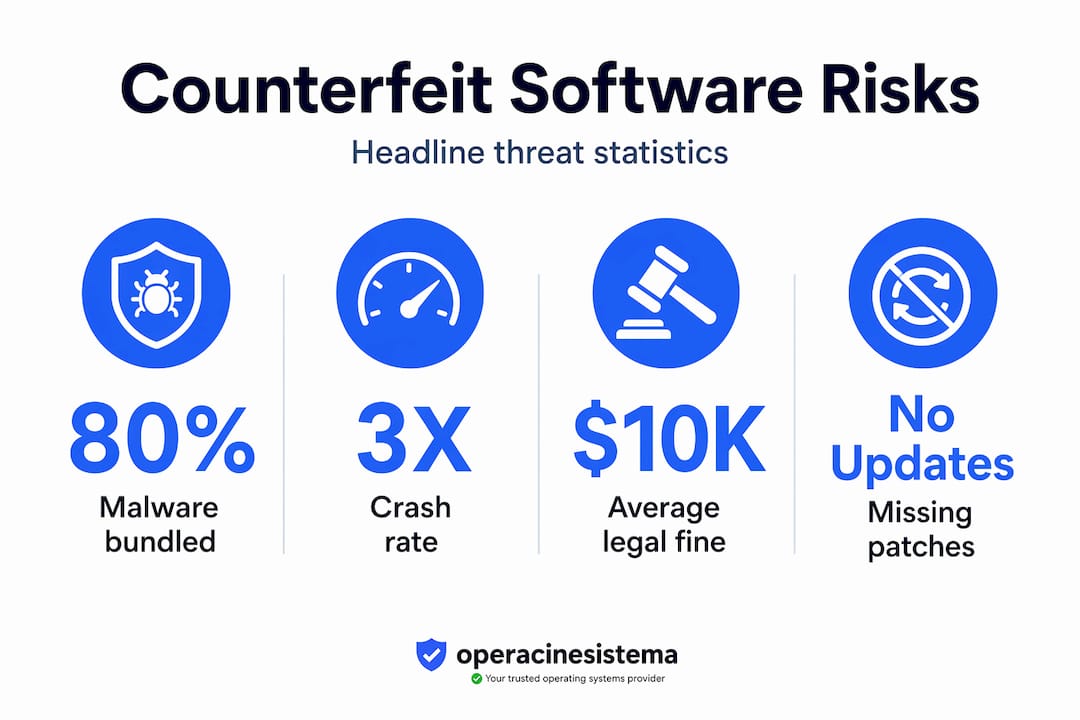
Counterfeit software looks like a bargain until it isn’t. Around 37% of software on PCs is pirated, and of that, a staggering 80% contains malware. Many individuals and small business owners assume that fake software is just a licensing technicality. It’s not. The dangers of counterfeit software span criminal liability, catastrophic data loss, and silent cyberattacks that can operate for months without your knowledge. This guide breaks down every category of risk and gives you a clear path to protect yourself and your business.
Indice dei contenuti
- Punti di forza
- Why avoid counterfeit software: the security threat you can’t see
- Legal consequences of using fake software
- Operational headaches you’ll deal with daily
- How to identify, avoid, and respond to counterfeit software
- My take on why this matters more than most people think
- Get a genuine license and stop taking the risk
- FAQ
Punti di forza
| Punto | Dettagli |
|---|---|
| Malware is almost guaranteed | Up to 80% of pirated software comes bundled with ransomware, infostealers, or cryptominers. |
| Legal exposure is real | Copyright violations can result in fines, lawsuits, and reputational damage that far exceed license costs. |
| Performance suffers noticeably | Counterfeit software cannot receive official updates, leading to crashes and potential data loss. |
| Detection is possible | Suspicious install steps, odd file names, and missing activation channels are clear warning signs. |
| Legitimate licenses are affordable | Verified OS licenses offer security, updates, and legal peace of mind at a reasonable price. |
Why avoid counterfeit software: the security threat you can’t see
This is where the real damage starts. Most people who download counterfeit software are not trying to do anything reckless. They’re trying to save money. But the security risks attached to fake software are severe, often invisible, and frequently irreversible.
Malware comes pre-packaged
The numbers are blunt. 80% of pirated installs carry malicious content. That’s not a rare edge case. That’s the default. The malware bundled inside counterfeit software typically falls into three categories:
- Ransomware: Encrypts your files and demands payment to restore access. For a small business, even one day of locked systems can mean lost revenue and client trust.
- Infostealers: Quietly collect passwords, banking credentials, and personal data. You won’t know it’s happening until someone drains your account.
- Cryptominers: Use your CPU and GPU to mine cryptocurrency for someone else, slowing your machine to a crawl while running up your electricity bill.
Questi malware types are designed to operate silently. They don’t announce themselves. They sit in the background and do their damage while your system appears to run normally.
The installation process itself is the red flag
Here’s something most people don’t realize. When you install cracked software, you’re not just installing a program. You’re following a manual process that is specifically designed to lower your defenses. Cracked software installs typically require you to disable your antivirus, run an executable with a name like “activate.exe,” and grant administrator permissions. Every one of those steps is a signal that something is wrong.
Attackers are smart about naming. Malicious bundles labeled “activate.exe” or “keygen.exe” sound functional and legitimate. Your brain reads “activate” and assumes the file is safe because the concept feels familiar. That’s social engineering working exactly as intended.
The long-term security cost
Counterfeit software never receives official security patches. Every vulnerability that Microsoft or Adobe discovers and fixes in a legitimate product stays open in a pirated version. Over time, your system becomes increasingly exposed as attackers specifically target known, unpatched weaknesses. The impact of counterfeit software on long-term system integrity is severe. You’re not just risking an initial infection. You’re leaving the door permanently unlocked.
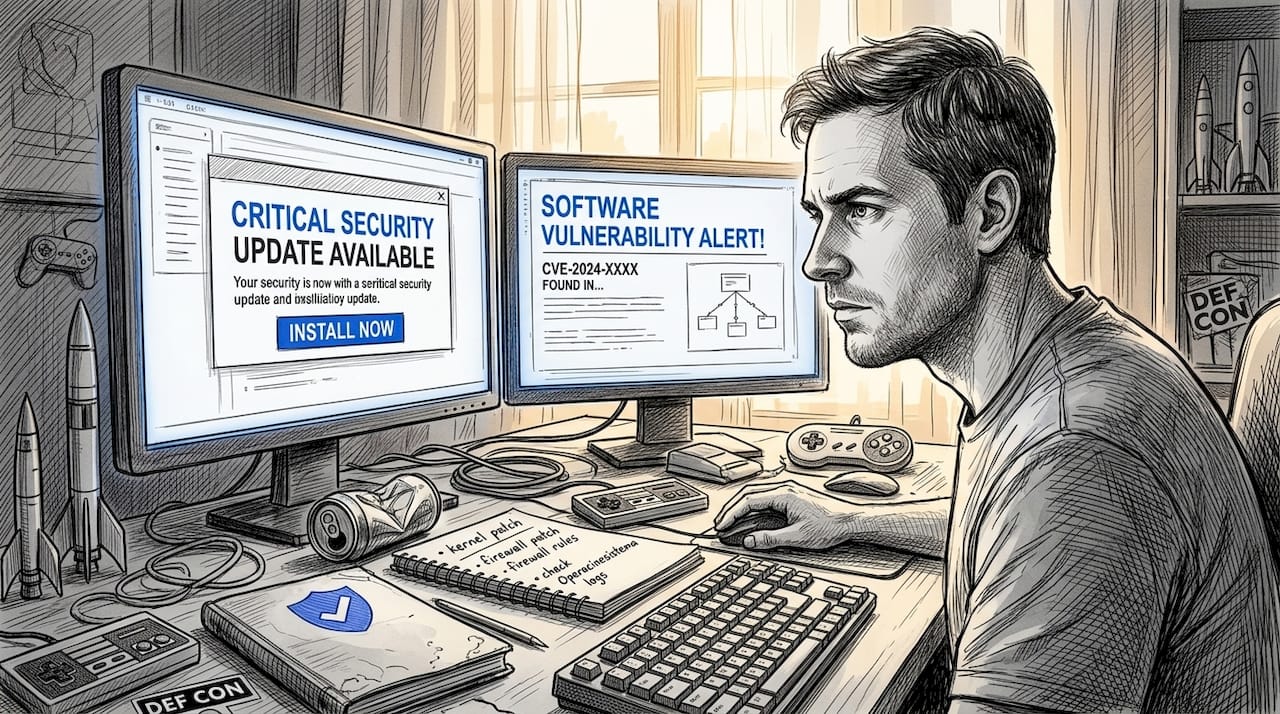
Un consiglio da professionista: If someone at work installs cracked software to “help” the team, they may genuinely mean well. But well-meaning employees are one of the most common malware entry points in small businesses. A clear software policy prevents this.
Legal consequences of using fake software
People underestimate how serious the legal exposure is. Using counterfeit software is not a gray area. It’s copyright infringement, and the consequences are concrete.
Here’s how the legal risk typically unfolds for individuals and small businesses:
- Copyright violation notice: Software publishers like Microsoft actively monitor for unlicensed use. You may receive a cease-and-desist order requiring immediate removal of unauthorized software.
- Civil lawsuit: Publishers can sue for statutory damages per infringement. In the U.S., this can run from $750 to $150,000 per work infringed, depending on whether the court finds the violation willful.
- Criminal charges: In cases of deliberate, large-scale piracy, criminal prosecution is possible. This is less common for individuals but is a genuine risk for businesses distributing counterfeit software.
- Business disruption: A legal dispute means time spent with attorneys, potential audits of all software in use, and possible injunctions that halt operations.
- Reputation damage: For SMBs that work with clients in regulated industries, a piracy finding can end contracts immediately.
Financial penalties for software piracy routinely exceed the price of legitimate licensing by a wide margin. The software you thought you saved money on ends up costing ten times more in legal fees, fines, and lost business.
This is a straightforward math problem. A genuine Windows 11 Pro license costs a fraction of what even a single legal dispute costs in attorney fees. Counterfeit software sales also come with no official documentation, which means you cannot prove you purchased in good faith if a dispute arises.
Operational headaches you’ll deal with daily
Beyond security and legal risk, counterfeit software simply doesn’t work well. This is the part that affects you every single day.
Crashes, instability, and lost work
Pirated software crashes more often than licensed versions. The patches and stability fixes that legitimate users receive automatically never reach counterfeit copies. What that means in practice: you save a document, your system freezes mid-write, and the file corrupts. You’re editing a spreadsheet during a client meeting, and the application crashes. These aren’t hypotheticals. They’re routine consequences.
| Caratteristica | Genuine software | Counterfeit software |
|---|---|---|
| Aggiornamenti sulla sicurezza | ✅ Automatic and regular | ❌ Nessuno |
| Official support | ✅ Available | ❌ Not available |
| Stability patches | ✅ Incluso | ❌ Missing |
| Legal use | ✅ Fully compliant | ❌ Copyright violation |
| Activation validity | ✅ Permanent | ❌ May be revoked anytime |
Data loss that can’t be undone
System crashes from pirated software during file saves or system updates can cause irreversible data loss. Professional data recovery services are expensive and often only partially successful. For a small business, losing client files, financial records, or project data is not just an inconvenience. It can trigger liability claims from clients whose data was affected.
Pirated software also cannot receive updates, meaning it becomes progressively more incompatible with other systems and file formats over time. You may find yourself unable to open files sent by clients or submit documents in the formats your partners require.
Un consiglio da professionista: If your current system crashes frequently and you’re unsure whether your software is genuine, run a software license audit before assuming a hardware problem. Counterfeit software is one of the most commonly overlooked causes of chronic system instability.
How to identify, avoid, and respond to counterfeit software
Knowing the risks is only half the equation. Here’s what you can actually do about it.
Signs your software may be counterfeit
Watch for these red flags during installation or activation:
- The installer asks you to disable your antivirus before proceeding
- The file is named something generic like “crack.exe,” “keygen.exe,” or “activate.exe”
- The download came from a torrent site, unofficial forum, or random file-sharing link rather than the publisher’s official site
- The “activation key” arrived in a forum post or unofficial email rather than a verified seller
- The software never prompts for genuine activation through the publisher’s systems
- There is no official invoice or license documentation available after purchase
Microsoft warns that forged code-signing drastically undermines trust and significantly increases ransomware risk. If a product’s authenticity can’t be verified through official channels, that’s a serious warning sign.
Steps to take if you already have counterfeit software installed
If you suspect fake software is on your system right now, act quickly. Here’s what to do:
- Stop using the affected system for sensitive tasks like banking, client communication, or accessing cloud storage immediately.
- Run a full malware scan using a reputable, up-to-date security tool. Free options like Malwarebytes are a solid starting point.
- Consult an IT professional if the scan returns anything suspicious. For SMBs, managed IT services can handle full remediation and help you verify all software across the business.
- Remove the counterfeit software and replace it with a legitimate licensed version. Do not simply add the genuine version on top of the compromised install.
- Change all passwords from a clean, verified device after the removal is complete.
- Document the incident in writing. If a client or regulator ever asks about a security event, having a remediation record demonstrates responsible action.
How to buy legitimate software safely
Buying genuine software doesn’t need to be complicated. Stick to these practices:
- Purchase directly from the publisher or a verified reseller with clear documentation
- Confirm the seller provides an official invoice and a verifiable license key
- For Windows licenses specifically, check that activation works directly through Microsoft’s activation servers
- Review cloud security practices if your team works in cloud environments, as fake software on local machines can compromise connected cloud accounts too
- Use a 2026 SMB compliance checklist to audit all software in your business and confirm licensing status across every device
If budget is the main concern, open-source alternatives exist for many applications. And for operating systems specifically, genuine Windows licenses are far more affordable from reputable sellers than most people assume.
My take on why this matters more than most people think
I’ve worked in and around the software licensing space long enough to see a clear pattern. The people who get burned by counterfeit software are almost never reckless. They’re budget-conscious. They’re small business owners trying to set up a workstation without spending more than they need to. They’re individuals who didn’t realize that the product key they found online for a few dollars was going to invite ransomware onto a machine that held years of client files.
What I’ve learned is that the real cost of fake software is almost always hidden at first. The malware doesn’t fire on day one. The legal notice doesn’t arrive the moment you install the crack. Everything looks fine for a while. And then one day something goes wrong and the forensics make clear exactly where the problem started.
The other thing I’d push back on is the idea that this is only a concern for large companies. In my experience, SMBs are actually more vulnerable because they typically have fewer safeguards in place and less capacity to respond when something breaks. One ransomware infection that shuts down a three-person shop for a week can be genuinely existential.
The long-term value of proper licensing is not just about avoiding prosecution. It’s about operating on a foundation you can trust. When your system is running on a genuine license, you get patches, you get support, and you get the security baseline that legitimate software provides. That’s not a luxury. It’s the minimum standard for running a business responsibly.
My honest advice: spend the small amount it costs to get a real license. The math is not close.
— Danielius
Get a genuine license and stop taking the risk
Choosing legitimate software is one of the smartest decisions you can make for your security and your business.
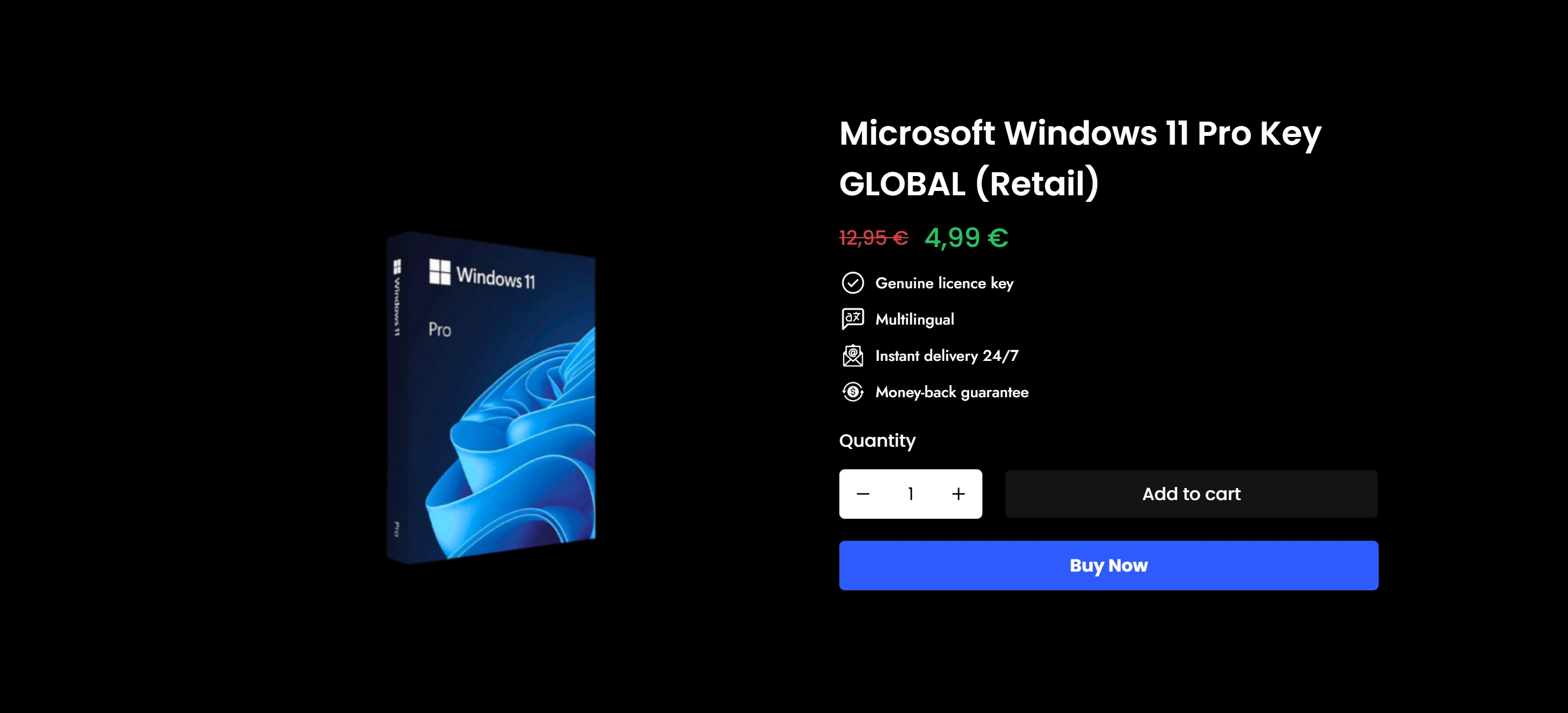
At Operacinesistema, we specialize in verified Microsoft OS licenses for individuals and small businesses. Whether you need Windows 10 or Windows 11 Pro, every key we sell is genuine, activates directly through Microsoft’s servers, and comes with full documentation. No guesswork. No hidden risks. If you’re not sure where to start, our OS license guide for SMBs walks you through exactly what you need. Ready to switch to something you can trust? Browse our secure Microsoft OS licenses and get activated today.
FAQ
What makes counterfeit software dangerous?
Counterfeit software is dangerous because up to 80% of pirated programs contain malware including ransomware, infostealers, and cryptominers that can steal data or lock you out of your own systems.
Is using pirated software illegal?
Yes. Using pirated software constitutes copyright infringement and can result in civil lawsuits, statutory fines, and in serious cases, criminal charges. Legal penalties almost always exceed the cost of a legitimate license.
How can I tell if my software is counterfeit?
Key signs include an installer that asks you to disable your antivirus, file names like “activate.exe” or “keygen.exe,” and an activation key that did not come from an official seller or the publisher’s own systems.
Can counterfeit software cause permanent data loss?
Yes. System crashes from pirated software during file saves or updates can corrupt files beyond recovery. Professional data recovery is expensive and often only partial.
What should I do if I find counterfeit software on my computer?
Stop using the system for sensitive tasks immediately, run a full malware scan, and remove the counterfeit software. Replace it with a genuine licensed version and change all passwords from a clean device once the threat is removed.
Consigliato
- Caratteristiche di sicurezza del software: 300% rischio ridotto con licenze autentiche
- Perché l'autenticità del software è importante per le piccole imprese 2026
- Perché un software sicuro protegge i dati ed evita rischi costosi
- Cos'è l'autenticità del software: verificare l'autenticità del sistema operativo Microsoft