Microsoft 365 for small business: reliable, affordable solutions
TL;DR:
- Over 56% of Microsoft 365 licenses are underutilized, leading to wasted spending.
- Proper license management, including role-based assignment and quarterly audits, maximizes value and reduces costs.
- Microsoft 365 offers full desktop apps, advanced security, and offline access, ideal for power users and regulated industries.
More than 56% of Microsoft 365 licenses go underutilized, meaning businesses and individuals are paying for features they never touch. That’s not a small problem. For a growing team or a solo professional watching every dollar, wasted software spend adds up fast. The good news? With a little clarity on plans, licensing rules, and smart assignment habits, you can get full value from every seat you pay for. This guide walks you through what Microsoft 365 actually offers, how to pick the right plan, and how to stay compliant without overspending.
Table des matières
- Microsoft 365 at a glance: What makes it stand out?
- Choosing the right Microsoft 365 plan: Matching features to your needs
- Making the most of your Microsoft 365 license: Easy assignment, compliance, and device use
- Microsoft 365 vs. Google Workspace: When does each service shine?
- Why most businesses waste Microsoft 365 value—and how you can do better
- Ready to get more from Microsoft 365? Take the next step
- Questions fréquemment posées
Principaux enseignements
| Point | Détails |
|---|---|
| Audit licensing regularly | Review and reassign Microsoft 365 licenses at least every quarter to cut waste and lower costs. |
| Choose the right plan | Match features to actual user needs for personal and business plans to maximize value and security. |
| Leverage all available benefits | Take full advantage of included apps, device installs, and security by training users and tracking adoption. |
| Understand compliance basics | Proper licensing and assignment prevent security risks and help maintain business compliance. |
Microsoft 365 at a glance: What makes it stand out?
Microsoft 365 is more than a bundle of familiar apps. It combines Word, Excel, PowerPoint, Outlook, and Teams with cloud storage through OneDrive, enterprise-grade security, and regular feature updates. You get all of this under one subscription, which is why so many small businesses and individuals keep coming back.
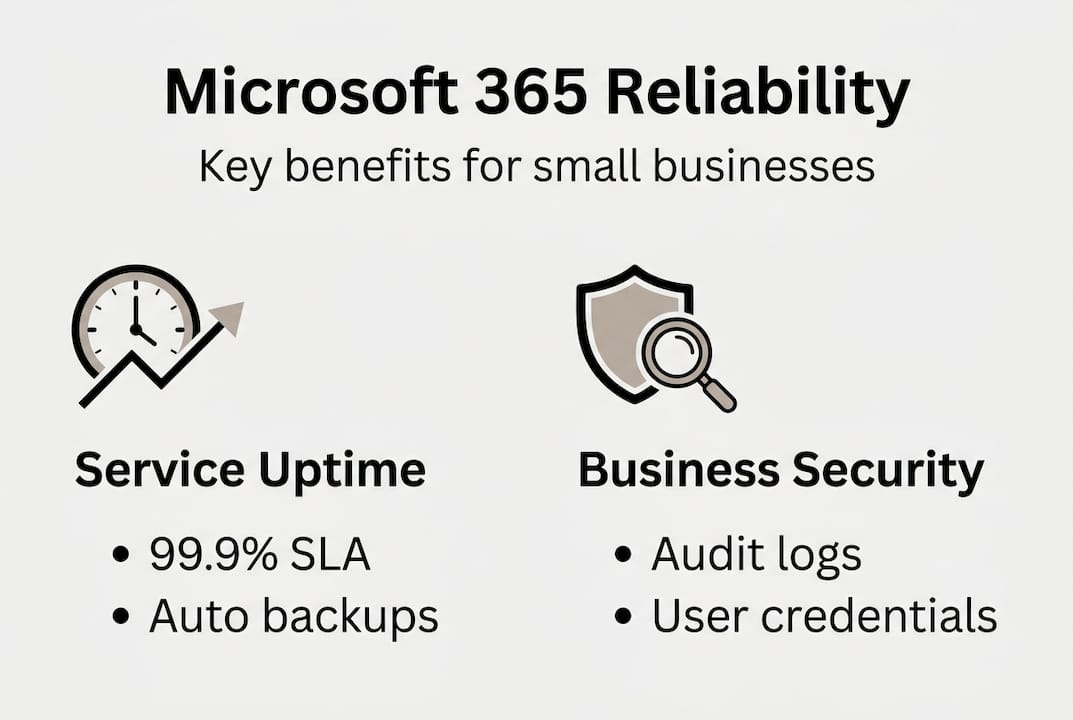
One of the biggest selling points is reliability. Microsoft promises a 99.9% uptime SLA for its cloud services. That said, a major global outage in January 2026 reminded users that even robust platforms have vulnerabilities. During that event, thousands of businesses lost access temporarily, highlighting why backup workflows and SLA credit policies matter. When monthly uptime drops below the guaranteed threshold, customers can claim service credits.
How does Microsoft 365 compare to its biggest rival? Here’s a quick look:
| Fonctionnalité | Microsoft 365 | Google Workspace |
|---|---|---|
| Desktop apps | ✅ Full install | ❌ Browser only |
| Offline access | ✅ Oui | ⚠️ Limited |
| Storage (base) | 1 TB OneDrive | 30 GB pooled |
| Security tools | Advanced (Defender) | Standard |
| Best for | Power users, Excel-heavy work | Cloud-native, simple workflows |
Key strengths that keep Microsoft 365 ahead for business users:
- Full desktop apps that work without an internet connection
- Advanced compliance tools built into higher-tier plans
- Seamless integration with Windows environments and Active Directory
- Regular updates included at no extra cost
“Microsoft 365 earned a 4.5/5 Editors’ Choice rating from PCMag for business use, citing its depth of features and enterprise security capabilities.”
For small businesses especially, the official software benefits of running a genuine, licensed Microsoft 365 subscription go beyond features. You get real support, guaranteed updates, and protection against the risks that come with counterfeit or unverified keys. 🛑 Fake licenses can get blocked without warning, leaving your whole team locked out.
Choosing the right Microsoft 365 plan: Matching features to your needs
Not every user needs the same plan. Overpaying for features you never use is just as wasteful as running on a plan too limited for your actual work. Here’s how the main tiers break down:
| Plan | Best for | Key features | Price range |
|---|---|---|---|
| Microsoft 365 Personal | Solo users | 1 user, 1 TB OneDrive, full apps | ~$7/month |
| Microsoft 365 Business Basic | Small teams, light users | Web apps, Teams, 1 TB storage | ~$6/user/month |
| Microsoft 365 Business Standard | Most small businesses | Full desktop apps, Teams, Bookings | ~$12.50/user/month |
| Microsoft 365 Business Premium | Security-focused teams | All Standard features + Defender, Intune | ~$22/user/month |
Real-world scenarios help here. A freelance designer who works entirely in desktop apps and needs offline access fits well with Personal or Business Standard. A five-person retail team that only uses email and Teams for scheduling may be fine on Business Basic. A law firm handling sensitive client data should look seriously at Business Premium for its compliance and security tools.

One smart move many teams overlook: mixing plans per user is fully allowed, and role-based assignment can cut 20 to 30% of licensing waste. Your receptionist doesn’t need the same plan as your lead accountant.
Here’s a simple process to match plans to your team:
- List every user and their core software tasks
- Group users by need: heavy desktop use, email only, collaboration-focused
- Assign the lowest plan that covers each group’s actual needs
- Review quarterly and adjust when roles change
Understanding the types of software licenses available is a solid starting point before committing to any plan. It helps you avoid overprovisioning and gives you a framework for future decisions. You can also review the official licensing mechanics directly from Microsoft for the most current details.
Pro Tip: Do a quarterly license audit. Pull a usage report from the Microsoft 365 admin center and look for users who haven’t logged in for 30 days or more. Downgrade or reassign those seats immediately.
Making the most of your Microsoft 365 license: Easy assignment, compliance, and device use
Once you’ve chosen your plans, how you assign and manage licenses makes a real difference. Many businesses buy the right plans but then assign them carelessly, which leads to waste, compliance gaps, and security risks.
Here’s what you need to know about how assignment works:
- Licenses assign via admin center; most plans allow installation on up to 5 devices per user
- Shared mailboxes and resource mailboxes (like a conference room calendar) do not require a paid license
- Guest accounts in Teams have limited access and generally don’t consume a full license
- Licenses tied to a former employee should be revoked immediately on exit
This last point catches a lot of small businesses off guard. When someone leaves, their license often sits assigned to a dormant account for months. That’s money going nowhere. 🔥 Reclaiming just two or three orphaned licenses per year can save hundreds of dollars.
Compliance is another area where small businesses often stumble. Running unlicensed software or assigning licenses incorrectly can expose you to audits and penalties. The good news is that Microsoft’s admin tools make it easy to stay on top of this.
Pro Tip: Set a calendar reminder every 90 days to review your license assignments. Check for inactive users, role changes, and any new hires who may have been given the wrong plan by default.
For a structured approach, a license compliance checklist can walk you through every step. And if you want to understand the full scope of what can go wrong, it’s worth learning how to avoid licensing risks before they become real problems.
Security also improves when licenses are properly assigned. Each user gets their own credentials, audit logs track activity by individual, and conditional access policies work correctly. Shared logins or improperly assigned licenses break all of that.
Microsoft 365 vs. Google Workspace: When does each service shine?
Good licensing and compliance bring great value, but how does Microsoft 365 stack up against its main competitor? Both platforms have loyal users, and both have made significant changes heading into 2026.
| Category | Microsoft 365 | Google Workspace |
|---|---|---|
| Apps | Full desktop + web | Web-first |
| Offline work | Strong | Limitée |
| Collaboration | Teams, SharePoint | Meet, Drive, Docs |
| Compliance tools | Advanced (Premium plans) | Standard |
| AI features | Copilot (add-on) | Gemini (included in some plans) |
| Starting price | ~$6/user/month | ~$6/user/month |
The core difference comes down to how your team actually works. Microsoft 365 wins for desktop power, security, and offline access. Google Workspace is the better pick for cloud-native simplicity and teams that live entirely in a browser.
“For businesses with complex Excel models, SharePoint workflows, or strict compliance requirements, Microsoft 365 is the clear choice. For lean startups that just need email, docs, and video calls, Google Workspace often costs less and requires less setup.”
Key scenarios where Microsoft 365 pulls ahead:
- Finance and accounting teams that rely on advanced Excel features
- Regulated industries needing audit logs, eDiscovery, and data loss prevention
- Hybrid or remote teams that need reliable offline access
- Windows-heavy environments where integration with Active Directory matters
One important factor for 2026: price hikes in July 2026 make cost a key consideration when choosing between platforms. Both Microsoft and Google have adjusted pricing, so it’s worth running the numbers for your specific team size before committing. You can read the full business review from PCMag for a detailed breakdown of current pricing and value.
Some businesses are also exploring hybrid setups, using Microsoft 365 for power users and Google Workspace for lighter roles. This can work, but it adds complexity to IT management and training.
Why most businesses waste Microsoft 365 value—and how you can do better
Here’s an uncomfortable truth: most Microsoft 365 waste isn’t caused by bad purchasing decisions. It’s caused by what happens after the purchase. Businesses focus hard on getting licensed, then completely ignore whether anyone is actually using what they paid for.
We’ve seen this pattern repeatedly. A team buys Business Premium for everyone because it sounds safer. Six months later, half the security features are unconfigured, three employees are using the same login, and two former staff members still have active licenses. The license is genuine. The value is gone.
The fix isn’t complicated. It’s discipline. Assign the right plan to the right person. Review quarterly. Reclaim seats when people leave. Encourage your team to actually use the tools they have, whether that’s Teams for communication, OneDrive for file sharing, or Planner for task management.
Software authenticity matters too. Running genuine licensed software means you get every update, every security patch, and full support when something goes wrong. That’s not a luxury. For a small business, it’s basic protection.
Buying is step one. Using it well is where the real return lives.
Ready to get more from Microsoft 365? Take the next step
Compliance, cost savings, and security all start with one thing: the right license, properly assigned and actively managed. If you’ve been overpaying, underusing, or just unsure whether your setup is correct, now is the time to fix it.

Start with a software compliance checklist to see exactly where your licensing stands today. Then explore the full breakdown of software license types to make sure your next purchase fits your actual needs. Whether you’re a solo user or managing a growing team, getting this right saves money, reduces risk, and keeps your work running without interruption. 🎁 The right license isn’t just a legal requirement. It’s a smart business decision.
Questions fréquemment posées
How many devices can I use with one Microsoft 365 license?
Most Microsoft 365 plans allow installation on up to 5 devices per licensed user, covering a mix of PCs, Macs, tablets, and phones.
What happens if there’s a Microsoft 365 outage?
If monthly uptime drops below 99.9%, SLA credits start at 25% of your monthly fee, scaling up to 100% for severe outages below 95% uptime.
How do I avoid wasting money on unused Microsoft 365 licenses?
Quarterly audits and role-based assignments can reduce licensing waste by 20 to 30%, especially when you reclaim seats from inactive or departed users.
Is Microsoft 365 or Google Workspace better for my small business?
Microsoft 365 is the stronger pick for Windows and Excel-heavy environments, while Google Workspace suits teams that prefer simpler, browser-based tools at a lower entry cost.
Recommandé
- Les avantages des logiciels officiels pour les PME en 2026
- Liste de contrôle des licences logicielles 2026 : guide de conformité pour les PME
- Liste de contrôle pour l'achat sécurisé de logiciels pour les licences de systèmes d'exploitation Microsoft
- Conseils pour l'achat de logiciels Microsoft sécurisés en 2026