
Why Timely Updates Are Important for Security
TL;DR:
- Timely software updates are essential because high-severity vulnerabilities are exploited within 24 hours of disclosure. Delaying updates increases risks of malware infection, data loss, system damage, and regulatory violations. Enabling automatic updates and managing patches promptly provides the most effective protection against cyber threats.
Timely software updates are defined as patches, fixes, and version changes applied to software as soon as they become available, before attackers can exploit the gaps they close. Understanding why timely updates are important starts with one fact: high-severity vulnerabilities are weaponized within 24 hours of public disclosure. That window is not a warning. It is the actual deadline you are working against. For tech-savvy individuals and small business owners running Windows 10 or Windows 11, skipping or delaying updates is not a minor inconvenience. It is a direct invitation to attackers who are already scanning for unpatched systems the moment a vulnerability goes public.
Why timely updates are important: the core security case
The most effective defense against data breaches is prompt patching. Most breaches exploit known, unpatched vulnerabilities rather than brand-new zero-day attacks. That distinction matters because it means the majority of successful attacks could have been stopped with an update that was already available.

The industry term for this practice is patch management, which refers to the systematic process of identifying, acquiring, testing, and applying software updates. Patch management is not just an IT department concern. If you run a small business or manage your own devices, you are your own patch manager.
The urgency is real and measurable. The average time to exploitation for critical vulnerabilities has shrunk to under one week. Attackers do not wait for you to get around to updating. They run automated scans that identify unpatched systems continuously, around the clock.
Consider what happened with Google Chrome’s emergency patch for CVE-2026-5281. Google rolled out the fix through automatic updates within hours of confirming the zero-day exploit was active in the wild. Users with auto-update enabled were protected before most people even heard about the vulnerability. Users who had disabled updates or ignored the prompt were exposed for days or weeks.
What risks do delayed software updates create?
Delayed updates create a predictable attack surface. Attackers do not need sophisticated tools when a known vulnerability is sitting unpatched on your machine. They use publicly available exploit code, often released within hours of a patch, to target systems that have not yet applied the fix.
Here is what you are actually risking when you delay:
- Malware infection: Ransomware and spyware frequently exploit unpatched operating system flaws to gain entry without any user action required.
- Data loss: Once an attacker is inside an unpatched system, sensitive files, customer records, and financial data are all accessible.
- System integrity damage: Some exploits alter system files or install persistent backdoors, making recovery difficult even after patching.
- Compliance violations: Organizations subject to regulations like GDPR or HIPAA face legal exposure when breaches result from known, unpatched vulnerabilities.
- Cascading failures: Accumulating patch debt causes panicked bulk updates that risk system downtime and instability, the opposite of what cautious updaters were trying to avoid.
The uncomfortable truth: Waiting to patch does not protect you from instability. It guarantees exposure. Modern attackers reverse-engineer patches within hours to build exploits targeting systems that have not yet applied the fix. The old strategy of waiting a few weeks to “let the dust settle” is now a liability, not a precaution.
The CISA mandates remediation of known exploited vulnerabilities within 3 to 15 days depending on severity for federal entities. That timeline reflects the real-world exploitation window, not bureaucratic preference. If federal agencies operate under those deadlines, small businesses and individuals should treat them as a practical benchmark.
The impact of timely information about available patches is equally important. Knowing a patch exists and ignoring it is legally and operationally different from not knowing. Once a vulnerability is public, the clock starts for everyone, including you.
How do timely updates improve security and stability?
Regular updates do three things: they close security holes, fix bugs that degrade performance, and maintain compatibility with other software and hardware. Each of these benefits compounds over time when updates are applied consistently.
Comparing update types
| Update type | Primary purpose | Urgency level |
|---|---|---|
| Security patch | Closes a specific vulnerability | Critical. Apply immediately. |
| Bug fix / stability update | Corrects errors causing crashes or slowdowns | High. Apply within days. |
| Feature update | Adds new functionality | Moderate. Apply within weeks. |
| Major version upgrade | Overhauls the OS or application | Planned. Test before deploying at scale. |
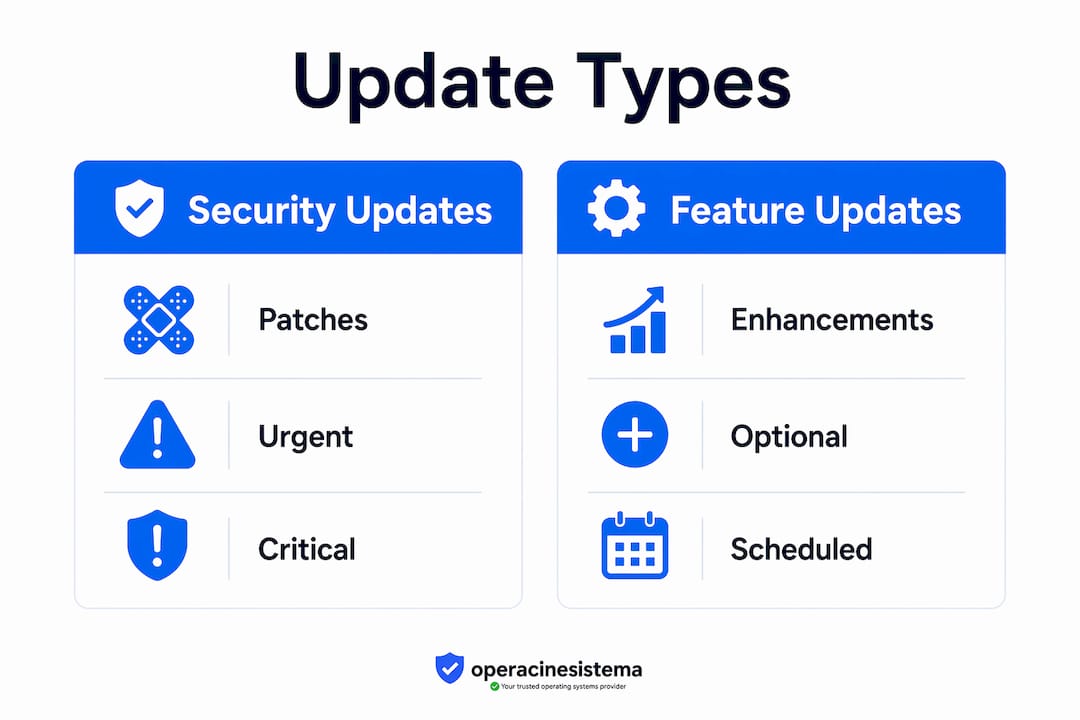
Security patches sit at the top of this list for a reason. A feature update that improves the interface is nice. A security patch that closes an active exploit is non-negotiable.
Automatic updates reduce risk significantly because they remove human delay from the equation. Windows Update, for example, can download and stage patches in the background so the only action required from you is a restart. That restart is not optional. An update is not fully applied until the system or application is restarted. Many users remain vulnerable for days simply because they clicked “remind me later” on the restart prompt.
Stability also improves with regular updates. Bugs that cause application crashes, memory leaks, or slow boot times are addressed in cumulative updates. Systems that receive updates consistently tend to perform better over time than systems where updates are deferred for months.
Pro nõuanne: Schedule a weekly 10-minute window to check for pending updates and restart your devices. Treat it like a routine backup check. The habit takes less time than recovering from a breach.
Common myths and challenges about updating software promptly
Several persistent myths keep users from updating on time. Each one sounds reasonable on the surface. None of them hold up under scrutiny.
-
“Updates cause instability.” This was a valid concern a decade ago. Today, the risks of unpatched systems far outweigh the risk of a rare update-related bug. Microsoft and other vendors run extensive compatibility testing before releasing patches. The occasional problematic update is the exception, not the rule.
-
“I’ll update when I have time.” Attackers do not wait for your schedule. Modern attackers reverse-engineer patches within hours of release. Every day you delay is a day your system is a known target.
-
“My antivirus will catch anything.” Antivirus software detects known malware signatures. It does not close the underlying vulnerability that lets malware in. Patching removes the entry point. Antivirus is a second layer, not a substitute.
-
“Updates take too long and interrupt my work.” Windows 11 and most modern applications handle updates in the background. The only interruption is a restart, which takes a few minutes. Scheduling restarts for off-hours eliminates even that friction.
-
“I have too many devices to keep up.” This is a real operational challenge for small businesses. The answer is a patch management policy, not avoidance. Tools like Windows Server Update Services (WSUS) or Microsoft Intune let you manage updates across multiple devices from a single dashboard.
The challenge of patch debt deserves specific attention. Patch debt is what happens when you skip updates repeatedly and then face a backlog of dozens of patches at once. Incremental updating policies improve stability precisely because they avoid the panic of bulk updates. Applying one or two patches per week is far safer than applying 40 at once after a six-month delay.
Pro nõuanne: If you manage multiple machines, create a simple spreadsheet tracking the last update date for each device. Review it monthly. Devices that fall more than 30 days behind should be flagged as a priority.
Practical tips for keeping your software current
Knowing the benefits of regular updates is only useful if you act on them. These practices work for both individual users and small business owners managing a handful of machines.
- ✅ Enable auto-updates everywhere. Windows Update, Google Chrome, Mozilla Firefox, and most major applications support automatic background updates. Turn them on and leave them on. Auto-update is the single most effective change you can make.
- ✅ Watch your browser’s color-coded update indicator. Chrome uses a colored update icon to signal urgency: green means the update is 2 days old, orange means 4 days, and red means 7 or more days overdue. Red is a warning you should not ignore.
- ✅ Restart promptly after updates download. A downloaded update that has not been applied through a restart leaves your system exposed. Set your device to restart automatically during off-hours if manual restarts are inconvenient.
- ✅ Keep 15–20 GB of free disk space available. Updates may fail silently if disk storage is low. You may believe your system is current when it is not. Check your storage regularly, especially on older machines.
- ✅ Prioritize security patches over feature updates. If you must choose what to apply first, always apply security patches. Feature updates can wait a few days. Security patches cannot.
- ✅ Adopt an “update by default” policy for your business. The National Cyber Security Centre advocates this approach specifically to close exploit windows quickly. Write it into your IT policy so it is not left to individual discretion.
- ✅ Check that your software is licensed and genuine. Unlicensed or pirated software often cannot receive official updates. That means you are running software with known vulnerabilities and no path to fix them. Genuine licenses from trusted sources like Operacinesistema give you full access to Microsoft’s update infrastructure and ongoing security support.
For small businesses, the SMB security guide from Operacinesistema covers update policy templates and patch management steps tailored to teams without a dedicated IT department. It is a practical starting point if you are building your first update policy.
Peamised järeldused
Timely software updates are the most accessible and effective defense against data breaches, because most attacks exploit known, unpatched vulnerabilities that a current patch would have closed.
| Punkt | Üksikasjad |
|---|---|
| Exploitation window is under one week | Critical vulnerabilities are weaponized within 24 hours, so delays of even a few days create real risk. |
| Restart completes the update | Downloading a patch without restarting leaves your system unprotected until the reboot happens. |
| Patch debt increases instability | Skipping updates and applying them in bulk causes more system disruption than incremental patching. |
| Unlicensed software blocks updates | Pirated or fake licenses cut off access to official patches, leaving known vulnerabilities permanently open. |
| Auto-update is the simplest fix | Enabling automatic updates removes human delay and is the single most effective habit change you can make. |
Danielius’s take: the window is smaller than you think
Most people still treat software updates as a maintenance task, something to handle when convenient. That mental model is dangerously outdated. The exploitation window for a critical vulnerability is now measured in hours, not weeks.
What changed is not the sophistication of attackers. What changed is the speed of information. The moment a patch is released, its contents are public. Security researchers and attackers alike reverse-engineer it to understand exactly what it fixes. Attackers then build exploit code targeting systems that have not yet applied the patch. This happens fast, often within the same business day.
The implication for small business owners is stark. You do not need to be a high-value target to get hit. Automated scanners do not discriminate. They find unpatched systems and flag them for exploitation regardless of company size or industry. A five-person accounting firm running unpatched Windows 10 is just as exposed as a large enterprise if the vulnerability is the same.
The safe browsing habits conversation always circles back to updates because updates are the foundation. Everything else, antivirus, firewalls, strong passwords, sits on top of a patched operating system. Without that foundation, the rest is decoration.
My honest recommendation: stop thinking about updates as optional maintenance. Treat them as a non-negotiable part of running a secure system. The “update by default” mindset is not paranoia. It is the minimum standard for operating safely in 2026.
— Danielius
Genuine software means uninterrupted update access
Running a genuine, licensed copy of Windows is not just about legality. It is the technical prerequisite for receiving every security patch Microsoft releases. Unlicensed or counterfeit keys are frequently blocked from Windows Update, leaving your system frozen at whatever vulnerability state it was in when the fake license was applied.

Operacinesistema specializes in genuine Windows 10 and Windows 11 Pro licenses for individuals and small businesses, delivered instantly by email. Every license sold through Operacinesistema is an official Microsoft product key that gives you full access to Windows Update and long-term security support. Use the Windows license checklist to find the right license type for your setup, whether you need an OEM key for a new build or a retail license you can transfer between machines. Secure software is the starting point for every other security practice you put in place.
KKK
Why are timely software updates important for security?
Timely updates close vulnerabilities before attackers can exploit them. Most data breaches target known, unpatched flaws that a current patch would have fixed.
How quickly do attackers exploit unpatched vulnerabilities?
High-severity vulnerabilities are weaponized within 24 hours of public disclosure, and the average time to exploitation is under one week.
Does downloading an update mean my system is protected?
No. An update is not fully applied until you restart the system or application. Delaying the restart leaves your device exposed even after the patch downloads.
What happens if I run unlicensed software and skip updates?
Unlicensed or pirated software is frequently blocked from receiving official updates. That means known vulnerabilities remain permanently open with no path to fix them.
How can small businesses manage updates across multiple devices?
Tools like Windows Server Update Services (WSUS) and Microsoft Intune centralize patch management across multiple machines. An “update by default” policy, as recommended by the National Cyber Security Centre, removes the decision from individual users and applies patches automatically.





