
Win 11 Product Key Free: Legal Secure Options
Securing a valid Windows 11 product key can feel confusing when every device, price, and reseller seems to offer something different. For tech-savvy users and small business owners, having a unique 25-character code that activates your operating system means more than just full features-it guarantees legal compliance and shields your devices from costly security risks. This guide cuts through the clutter with clear, safe options for obtaining genuine Windows 11 keys so you can run your systems worry-free.
Table of Contents
- What Is A Windows 11 Product Key?
- Types Of Windows 11 Keys Explained
- Legal Ways To Obtain Keys For Free
- Risks With Unauthorised Key Providers
- Comparing Retail, OEM, And Free Paths
Key Takeaways
| Point | Details |
|---|---|
| Windows 11 Product Key | A unique 25-character code that activates Windows 11, ensuring a legitimate installation. |
| Types of Product Keys | Includes Retail, OEM, Volume Licensing, Digital Licenses, and Upgrade Keys, each with specific uses and limitations. |
| Legal Free Key Acquisition | Users can obtain free keys through Windows 10 upgrades, educational institutions, OEM licences, and workplace agreements. |
| Risks of Unauthorised Keys | Purchasing from unauthorised sources can result in malware, data theft, and legal issues, making official channels the safest option. |
What Is a Windows 11 Product Key?
A Windows 11 product key is a unique 25-character alphanumeric code that serves as the critical activation mechanism for Microsoft's latest operating system. This essential digital license verifies the authenticity of your Windows installation and ensures you have a legitimate copy of the software.
The product key functions as a digital passport that enables full system functionality, preventing unauthorised use and protecting your computer's software ecosystem. Unlike older Windows versions, modern activation processes have become more sophisticated, offering multiple ways to validate your operating system.
Here are the primary ways Windows 11 product keys are typically obtained:
- Purchased directly from Microsoft's official website
- Included with new computer hardware
- Bundled in physical retail packaging
- Received through digital purchase confirmation emails
- Linked to your Microsoft account after upgrading from previous Windows versions
Without a valid product key, Windows 11 will operate with significant limitations. Specific commands can help retrieve embedded keys through Command Prompt, but the most reliable method remains having an original, genuine licence.
Pro tip: Always keep a secure record of your product key, preferably in multiple locations like a password manager or encrypted document, to ensure quick recovery if needed.
Types of Windows 11 Keys Explained
Windows 11 offers several distinct types of product keys, each serving a unique activation purpose. Product keys and digital licenses represent the primary methods for validating and activating your operating system, with specific characteristics defining their functionality.
The main categories of Windows 11 keys include:
- Retail Product KeysPurchased directly from Microsoft or authorised retailers
- OEM Keys: Pre-installed on new computer systems
- Volume Licensing KeysUsed by organisations for multiple computer deployments
- Digital LicencesLinked to Microsoft accounts or hardware configurations
- Upgrade Keys: Obtained through free Windows 10 to Windows 11 upgrades
Each key type provides different levels of activation and system management capabilities. Retail product keys offer the most flexibility, allowing transfer between devices, while OEM keys remain permanently tied to the original hardware. Volume licensing keys provide enterprises with centralized management tools for large-scale deployments.
Digital licences represent a modern activation method that eliminates traditional product key entry. These licenses automatically validate your Windows installation by linking directly to your Microsoft account or specific hardware configuration, simplifying the activation process for users upgrading from previous Windows versions.
Pro tip: Always verify the specific licensing terms of your Windows 11 key to understand its transferability and long-term usage rights.
To better understand the differences between Windows 11 product key types, see the table below:
| Key Type | Activation Flexibility | Support Level | Typical Use Case |
|---|---|---|---|
| Retail version | Can switch devices | Direct Microsoft support | Personal upgrades |
| OEM | Tied to original hardware | Limited manufacturer support | New device purchases |
| Volume Licensing | Managed centrally | IT department assistance | Business or institutions |
| Digital licence | Hardware or account-based | Online Microsoft support | Upgrades and modern deployments |
Legal Ways to Obtain Keys for Free
Obtaining a legitimate Windows 11 product key without additional cost is possible through several authorized Microsoft activation channels. These legal methods ensure users can access the full functionality of Windows 11 without risking software compliance issues or potential system vulnerabilities.
Here are the primary legitimate ways to acquire a free Windows 11 key:
- Windows 10 Upgrade: Free digital licence for existing Windows 10 users
- Educational Institutions: Free keys for students and faculty
- OEM Pre-installed LicencesKeys included with new computer purchases
- Workplace Volume Licensing: Free keys through organisational agreements
- Microsoft Accessibility Programmes: Special licensing for users with disabilities
Students have particularly advantageous options for obtaining free Windows 11 keys. Many educational institutions provide Windows Education editions to eligible students, typically through their university's IT department. These programmes often include free product keys for Windows 11 Education, which offers enhanced features compared to standard home editions.
Workplace and educational volume licensing represent the most common pathways for obtaining free, legitimate Windows 11 keys. Large organisations and academic institutions negotiate bulk licensing agreements that can provide free or deeply discounted product keys to their members, creating significant cost-saving opportunities for employees and students.
Pro tip: Always verify your eligibility for free Windows 11 keys through your workplace, educational institution, or Microsoft's official accessibility programs before exploring alternative acquisition methods.
Risks With Unauthorised Key Providers
Purchasing Windows 11 product keys from unauthorised sources presents significant cybersecurity risks that can compromise your entire digital ecosystem. Cybersecurity experts warn against using unofficial key providers due to the potential for devastating digital threats.
The primary risks associated with unauthorised key providers include:
- Malware Infection: High probability of receiving compromised software
- Data TheftPotential exposure of personal and financial information
- System InstabilityFrequent crashes and performance degradation
- Legal Complications: Potential violation of Microsoft's licensing terms
- Financial LossRisk of purchasing invalid or stolen product keys
Unauthorised key providers often operate in legal grey areas, utilizing techniques that can expose your computer to significant security vulnerabilities. These sources may distribute keys obtained through questionable means, including stolen volume licensing agreements, bulk purchase resales, or even completely fabricated activation codes.
The financial savings from purchasing an unauthorised key are quickly negated by potential consequences. A compromised Windows installation can lead to unexpected deactivation, system-wide security breaches, and costly remediation efforts that far exceed the initial cost of a legitimate product key. Cybersecurity professionals consistently recommend obtaining Windows keys exclusively through official Microsoft channels to ensure system integrity and personal data protection.
Pro tip: Always verify the authenticity of your Windows product key source and prioritise purchasing from Microsoft or authorized resellers to protect your digital infrastructure.
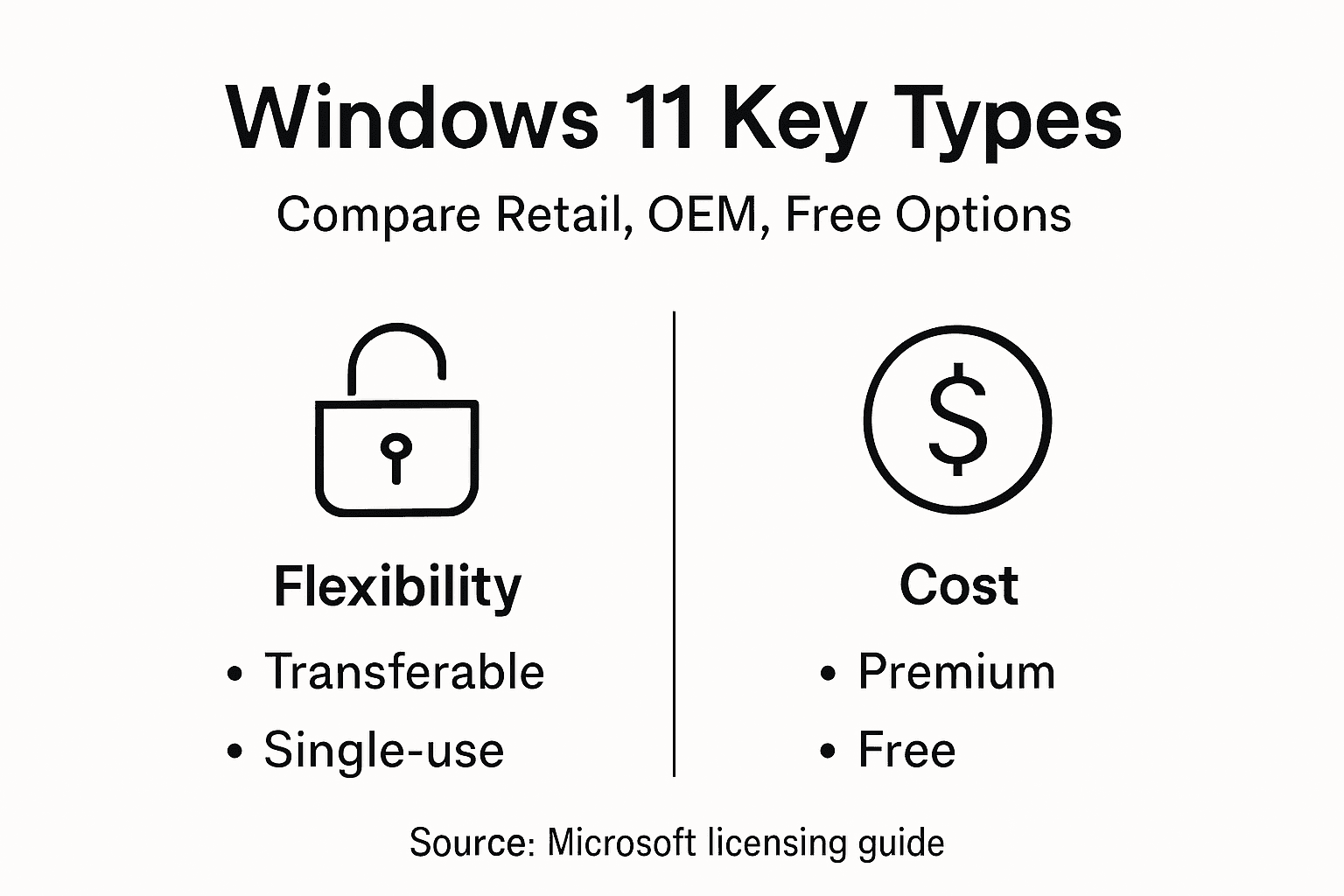
Comparing Retail, OEM, and Free Paths
Windows 11 licensing offers multiple paths for users, each with distinct advantages and limitations. Windows licensing options vary significantly in terms of flexibility, cost, and long-term usability.
Key characteristics of each licensing path include:
Retail Keys:
- Fully transferable between devices
- Direct Microsoft support
- Higher upfront cost
- Longest-term flexibility
OEM Keys:
- Cost-effective option
- Hardware-locked activation
- Limited transfer capabilities
- Typically bundled with new computers
Free Activation Paths:
- Digital licence through Windows 10 upgrade
- Educational institutional licences
- Limited support options
- Hardware-specific restrictions
Retail keys represent the most flexible option for users who anticipate changing hardware or require comprehensive support. These licenses allow complete portability and direct manufacturer assistance, making them ideal for professionals and power users who demand maximum adaptability.

OEM keys, while more restrictive, provide a budget-friendly alternative for users purchasing pre-configured systems. These keys are permanently linked to the original hardware configuration, which means they cannot be easily transferred to a new computer. The trade-off is a typically lower initial purchase price compared to retail licenses.
Pro tip: Carefully evaluate your long-term computing needs before selecting a Windows 11 licensing path, considering factors like hardware upgrade frequency and required support levels.
The following table clarifies how the main Windows 11 licensing paths impact user experience:
| Licensing Path | Portability | Cost | Best For |
|---|---|---|---|
| Retail version | Moves to new hardware | Highest | Frequent upgraders |
| OEM | Stays with one device | Lower | Single computer owners |
| Free (Upgrade/Education) | Usually hardware-locked | None to low | Students or upgraders |
Secure Your Genuine Windows 11 Product Key Today for Peace of Mind
Struggling to find a legal and secure Windows 11 product key that guarantees full activation and system stability is a common challenge highlighted in the article. Many users worry about risks from unauthorized key sources or unclear licensing types. With concerns like hardware-locked OEM keys versus transferable retail licenses, it is essential to obtain a trusted and official licence that protects your device and personal data.

Take control now by choosing from genuine Windows 11 digital licences and physical USB keys at https://operacinesistema.lt/en/checkout. Our platform specialises in providing original Microsoft licences that ensure instant email delivery, seamless activation, and customer support to help you avoid security threats and enjoy full Windows functionalities. Don't wait until your system faces the limitations of unverified keys. Secure your official license today and experience reliable Windows activation that suits your needs, whether retail, OEM, or professional use. Explore our selection at Windows 11 product keys and invest in security and legality now.
Frequently Asked Questions
What are the primary ways to obtain a Windows 11 product key for free?
You can obtain a Windows 11 product key for free through several legitimate methods, including upgrading from Windows 10, receiving keys from educational institutions, acquiring pre-installed OEM licences with new computers, accessing workplace volume licensing, and utilizing Microsoft accessibility programs.
How does the activation process differ for OEM and retail product keys?
OEM product keys are tied to the original hardware and cannot be transferred, while retail product keys offer full transferability between devices. Retail licenses typically come with direct Microsoft support, whereas OEM keys have limited manufacturer assistance.
What risks are associated with obtaining Windows 11 product keys from unauthorized providers?
Obtaining keys from unauthorised sources can lead to malware infections, data theft, system instability, legal complications, and financial loss due to purchasing invalid or stolen keys. It's essential to verify the source of your product key.
Is it possible to use a Windows 10 upgrade to get a free Windows 11 product key?
Yes, users who have a valid Windows 10 installation can upgrade to Windows 11 and receive a free digital licence, allowing them to activate the new operating system without additional costs.
Recommended
- Free Windows 11 Activation Keys & How to Activate Forever (2026 Updated) - operacinesistema.lt
- Finding a Windows Product Key Free: What You Need to Know in 2026 - operacinesistema.lt
- Free Windows 11 Pro Activation Keys 2026 - operacinesistema.lt
- Free Windows 10 Keys & Windows 11 Keys (Updated 2026) - operacinesistema.lt
- How to Encrypt PDF Free for Secure Online Sharing -





