Windows 11 Pro Generic Key: What's Real?
You found a “Windows 11 Pro generic key” online and it looks like a free shortcut around paying for a licence. The catch is simple: a generic key is usually good for installing or switching editions, not for permanently activating Windows on your PC.
That gap between “it let me install” and “it's actually activated” is where people waste hours - and where sketchy sellers make money.
This guide explains what a win 11 pro generic key really is, when it works, when it doesn't, and the clean, legitimate ways to end up with an activated Windows 11 Pro system (without gambling on cracked tools or stolen keys).
What a “generic key” actually means in Windows
Microsoft uses the term “generic key” (often called a default key) for product keys that are publicly known and intended for specific scenarios. These keys help Windows complete an installation, trigger an edition change, or connect to an organisation's activation system.
The important part: a generic key is not the same thing as a unique licence key you buy.
A purchased key is meant to be unique (or part of a managed volume program) and it's what ties activation to your device. A generic key is like a placeholder that tells Windows, “install this edition.” It does not prove you own a license.
That's why you'll see people say things like, “The key worked, but Windows still says activate.” Both statements can be true.
Why generic keys exist at all
Generic keys exist because Windows has to solve real-world deployment problems.
PC builders, repair shops, and IT admins often need to install Windows quickly, then activate later. Businesses use centralised activation methods. Microsoft also supports edition upgrades without forcing a complete reinstall in many cases.
So generic keys are useful for:
- Installing Windows 11 Pro when you're building a PC and plan to activate later
- Switching an installed copy of Windows 11 from Home to Pro (or other edition changes) so the Pro features appear
- Connecting a Pro installation to an organisation's Key Management Service (KMS) or using a Multiple Activation Key (MAK) in a legitimate volume licensing environment
If you're a home user trying to get Windows activated forever with a free public key, you're aiming generic keys at the wrong target.
The win 11 pro generic key: what it can and can't do
When people search “win 11 pro generic key,” they're usually looking for one of two outcomes:
- Install Windows 11 Pro
- Activate Windows 11 Pro
Generic keys can help with the first one. They almost never solve the second one for individual consumers.
What it can do
A generic key can often:
- Let Windows 11 Pro install without requiring you to sign in to a Microsoft account or enter a purchased key at that exact moment (depends on installer flow and settings)
- Change edition from Home to Pro so Pro features are available after the reboot
- Prepare the system so you can activate later with a real key, digital license, or your organisation's activation
What it can't do
A generic key usually cannot:
- Permanently activate Windows 11 Pro on a typical home PC
- Convert an unlicensed machine into a legitimately licensed one
- Make Windows pass activation checks for personalisation, watermark removal, and certain feature eligibility long term
If your goal is “no watermark, fully activated, compliant license,” a generic key is not the finish line.
How to tell if your Windows is installed vs activated
This is where a lot of confusion comes from: Windows can run without being activated. It will install, boot, and operate normally for many tasks. But activation status still matters.
On Windows 11:
Go to Settings > System > Activation.
You'll see one of a few common states:
- “Windows is activated” (good)
- “Windows is activated with a digital licence” (good)
- “Windows is not activated” (not good)
- Edition mismatch messages, activation error codes, or prompts to enter a key (action needed)
If you used a generic key and you're still seeing “not activated,” that's expected.
The most common scenarios (and what to do)
Different users search for generic keys for different reasons. Here's what typically happens - and the clean fix.
Scenario A: You're installing Windows 11 Pro on a new PC build
You built a PC, created a USB installer, and Windows asks for a key.
You can install first and activate later. Depending on the installer path, Windows may let you choose “I don't have a product key” and continue. If it doesn't, that's where people start searching for generic keys.
What matters is what happens after installation: to activate, you still need a valid licence.
Best move: install Windows, get drivers updated, confirm everything works, then activate with a genuine Windows 11 Pro key.
Scenario B: Your PC came with Windows 11 Home and you need Pro features
This is the classic “I need BitLocker and Remote Desktop host” situation. Windows 11 Home won't give you those Pro capabilities.
In many cases, you can upgrade the edition without reinstalling your apps and files. A generic key is sometimes used as a stepping stone for the edition change, but activation won't complete unless you provide a real Pro license.
Best move: purchase a Windows 11 Pro licence, then enter it under Settings > System > Activation > Change product key. Windows should switch to Pro and activate.
Scenario C: You reinstalled Windows and lost activation
If your machine was previously activated with a digital licence tied to your Microsoft account or hardware, Windows may reactivate automatically once you're online.
But if you changed major hardware (especially the motherboard), or you previously used a key that wasn't legitimate, activation may fail. A generic key won't fix that.
Best move: run the Activation troubleshooter, confirm your edition matches what you're licensed for, then activate with a genuine key if needed.
Scenario D: Your workplace uses KMS and you're trying to activate at home
KMS is an organisation-based activation method. It's not meant for personal use. A KMS client setup key (often called a generic volume key) can be publicly known, because the real “proof” is the connection to the organisation's KMS server.
If you try that at home without access to the organisation's KMS, you'll get activation failures. That's normal.
Best move: if this is a work device, connect to your company network or VPN and follow IT instructions. If it's your personal PC, don't use KMS methods - use a legitimate retail/OEM licence.
Why some “generic keys” seem to activate (until they don't)
You might see claims like “I used this key and it activated.” There are a few reasons that can appear true:
- The machine already had a digital licence. The activation would have succeeded anyway. The key didn't cause it - the existing entitlement did.
- The system activated against an organisation's infrastructure. That's legitimate only if you're actually part of that organisation's licensing.
- The “activation” is temporary or not genuine. Some methods trick the system or use unauthorized servers. This is exactly what puts you into the cracked/stolen zone.
If you care about legitimacy (and you should, especially for business PCs), you want activation that stays activated because you own the licence.
The risks of relying on unofficial activation methods
People usually start with “generic key” searches because they want to avoid risk. Ironically, the next step many take is the risky one: downloading activators, command scripts, or modified system files.
That's where problems show up fast:
- Malware risk: keygens and activators are a common delivery method for trojans and credential stealers.
- Broken updates: tampered licensing components can cause update failures or system instability.
- Compliance issues: if you're a small business, unlicensed Windows can become a liability during audits, insurance events, or client security reviews.
- Time cost: the “free” path often turns into a weekend of troubleshooting.
If the goal is a safe, stable PC with Windows 11 Pro features, the clean route is almost always cheaper than the time you lose cleaning up the dirty route.
Legit ways to activate Windows 11 Pro
If you've installed Windows 11 Pro (with or without a generic key) and now you want it activated correctly, there are only a few legitimate outcomes.
1) Activate with a valid product key
This is the straightforward method. You buy a genuine Windows 11 Pro key and enter it under Activation settings.
Once activated, you'll typically see “Windows is activated” or “activated with a digital licence” (depending on how Microsoft records the entitlement).
2) Activate with a digital licence already tied to your hardware
If you previously had Windows 11 Pro activated on the same device, Windows may automatically reactivate after reinstall.
This is most reliable when:
- You didn't change the motherboard
- You installed the same edition (Pro vs Home matters)
- You're online
3) Activate through a legitimate organisation licensing program
This applies to managed environments. Your IT admin provides the proper method - KMS, MAK, or another authorized approach.
If you're not part of that organization, don't try to imitate it. It won't be valid, and it tends to end badly.
A quick reality check: “cheap key” vs “generic key”
A generic key is free because it is not a licence.
A cheap key might be real, or it might be recycled, stolen, region-abused, or sourced from programs that don't allow resale. The problem in the market isn't “discounts.” The problem is traceability and legitimacy.
So when you shop, focus on signals that match what you actually need:
- Clear statement that the licence is genuine/original
- Secure checkout (SSL) and reputable card processing
- Immediate delivery if you need it now
- Refund or money-back guarantee
- High-volume reviews that specifically mention activation success and support response
Those signals matter more than marketing words.
How to upgrade from Windows 11 Home to Pro safely
A lot of buyers aren't installing from scratch. They have Windows 11 Home preinstalled and want Pro features.
The safest path is:
- Confirm your PC supports Windows 11 Pro features you care about (most do). For BitLocker, verify you have TPM 2.0 enabled in BIOS/UEFI and that you can use a compatible sign-in method.
- Buy a genuine Windows 11 Pro licence.
- Go to Settings > System > Activation.
- Choose Change product key, enter your Pro key, and let Windows complete the edition upgrade.
This approach avoids reinstalling and avoids questionable “edition switch hacks”.”
One key detail: don't confuse “Windows 11 Pro” with “Windows 11 Pro for Workstations” or “Enterprise.” Those are different editions with different licensing.
What happens if you install Pro but only own a Home licence
Windows licensing is edition-specific. If you have a Home digital licence and install Pro, Windows will not activate Pro using that Home entitlement.
You have two legitimate choices:
- Switch back to Home (so the Home licence activates)
- Buy a Pro licence (so Pro activates)
Trying to wedge a generic key into that mismatch won't change the underlying licence you own.
Troubleshooting: common activation snags that get blamed on generic keys
Sometimes the key isn't the real issue. These are the problems that commonly trigger “I need a generic key” searches.
Wrong edition installed
If you bought a Pro key but installed Home, the Pro key may not activate until Windows switches editions. Sometimes Windows will guide the upgrade automatically when you enter the Pro key, but not always.
Fix: confirm edition under Settings > System > About. If it's Home and you need Pro, use Activation settings to change the product key and trigger the upgrade.
No internet connection or blocked activation
Activation needs to reach Microsoft servers (unless you're using a legitimate offline activation method provided by your organisation).
Fix: get online, disable overly aggressive firewall rules temporarily, and try again.
Hardware changes
Major hardware changes can break activation, especially motherboard swaps.
Fix: use the Activation troubleshooter. If you have a transferable license and your Microsoft account is linked, you may be able to reassign it. If not, you may need a new license.
Time and date issues
Incorrect system time can cause licensing and certificate checks to fail.
Fix: set time/date automatically and retry.
The key is not legitimate
This is the uncomfortable one. If a key is reused, blocked, or sourced incorrectly, activation may fail now or later.
Fix: use a genuine, properly sourced licence from a seller who backs it with a clear guarantee.
Digital key vs USB: which is better if you're trying to avoid hassles?
This comes down to how you like to install and how quickly you need it.
A digital key is fastest if you already have Windows installation media or you're comfortable creating a bootable USB installer yourself. You can install today and activate in minutes.
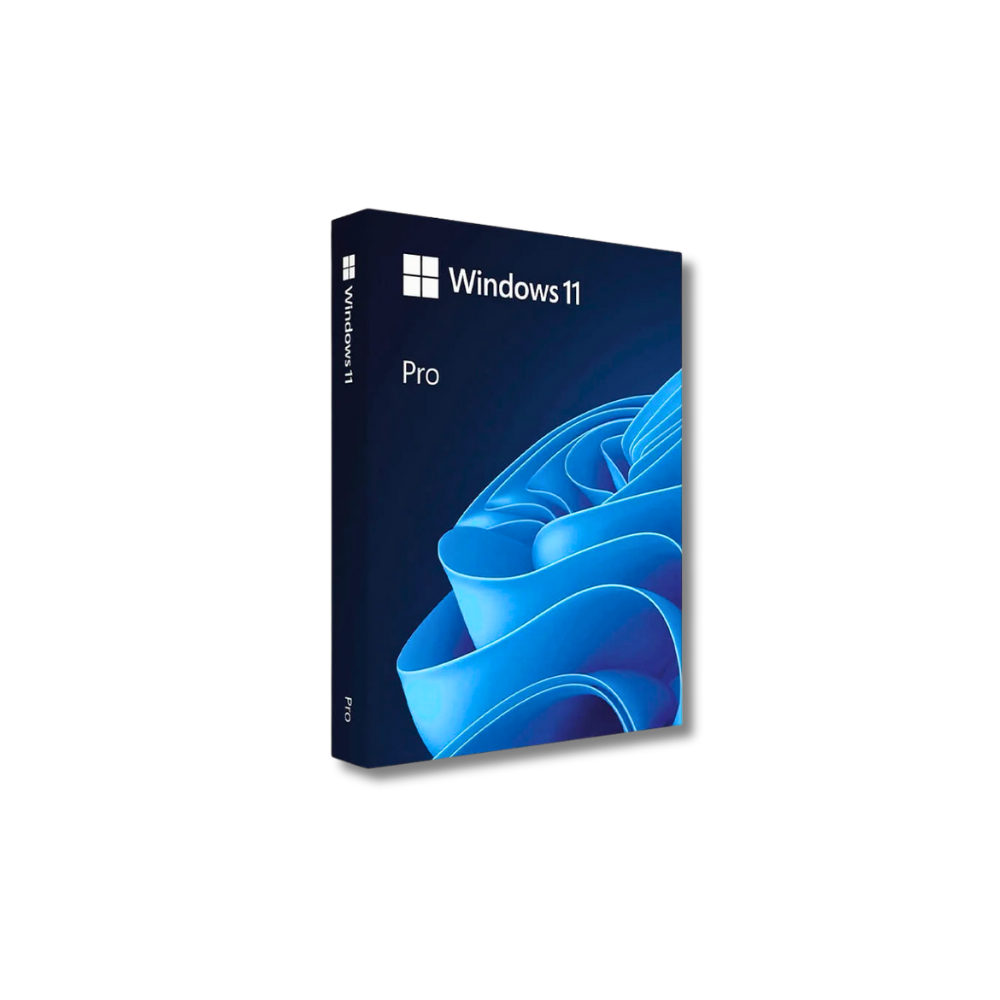
A physical USB package is helpful if you want the simplest path, you're helping a less technical family member, or you prefer having install media ready for future reinstalls. It also reduces the “did I download the right thing?” stress.
Either way, the activation outcome depends on having a genuine licence - not on whether you typed a generic key during setup.
When a generic key is actually useful (the honest use cases)
It's worth saying clearly: generic keys are not automatically shady. They're just misunderstood.
They can be useful when:
- You're installing Windows 11 Pro on a PC that will be activated later with a real key
- You're staging multiple machines and don't want to type unique keys during imaging
- You're switching editions as part of a legitimate upgrade flow
They're not useful when:
- You're trying to get a free permanent activation
- You're trying to “convert” Windows into a paid edition without buying the licence
If your objective is legitimate activation, treat generic keys as a setup tool, not an ownership tool.
Buying Windows 11 Pro without the full retail price - what to look for
US buyers are understandably sceptical because the internet is full of too-good-to-be-true Windows keys. The smart approach is to shop like you're buying something that has to work on day one and still be valid next year.
A trustworthy seller will be direct about what you're getting (Windows 11 Pro licence), how it's delivered (instant email delivery vs shipped USB), how payment is handled (secure checkout, reputable processor), and what happens if you have a problem (clear returns or money-back policy).
That's also why review quality matters. High star ratings are good, but look for reviews that mention successful activation, fast delivery, and responsive support. Those details are harder to fake and more aligned with what you actually care about.
If you want a straightforward option with instant delivery and a legitimacy-first pitch, you can get a genuine Windows 11 Pro licence from operacinesistema.lt - the focus there is original licensing, secure Stripe-powered checkout, and fast fulfillment.
The bottom line on “win 11 pro generic key”
A win 11 pro generic key is best understood as an installer or edition-switch key, not a magic activation key. It can help you get Windows 11 Pro onto the machine, but it won't replace a real licence.
If you're installing, upgrading from Home to Pro, or rebuilding a PC after a crash, the safest workflow is simple: get Windows installed cleanly, then activate with a genuine Windows 11 Pro licence so you're fully activated, fully compliant, and not stuck troubleshooting activation warnings later.
The most helpful closing thought is this: if a key is free and public, assume it's meant to help Windows install - not to prove you own Windows.