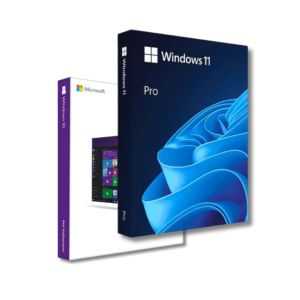
Genuine Windows 10/11 Pro licence: How do I know the real from the fake and choose the best USB version?
As technology advances rapidly, an original operating system is becoming a necessity for both the average consumer and business. However, the internet is full of offers ranging from obscure licences for a few euros to “official” copies of unclear origin. In this article, we'll look at how to safely purchase a legal Windows 10 or Windows 11 Pro licence, the difference between the OEM and the Retail version, why you should choose a USB installation media, and how to identify a genuine product.
Why choose a legal Windows operating system?
Using an illegal operating system carries the following risks:
- Security gaps: Illegal copies may be modified, contain viruses or malware.
- Instability: frequent system errors and missing important updates.
- Legal liability: Both personal and business users face fines for pirated software.
Benefits of having a legal version:
- Automatic security and functionality updates.
- Full technical support from Microsoft or certified vendors.
- Access to all professional features.
Types of Windows licences: OEM vs Retail
What is an OEM licence and who is it for?
OEM (Original Equipment Manufacturer) licence for a specific device. It is activated at the time of first installation and cannot be transferred to another computer.
Key features:
- Tethered to a single device.
- Often cheaper.
- Not suitable for those who change hardware frequently.
- There is no official Microsoft technical support.
What is a Retail Licence?
Retail is a user licence that can be transferred to another device if the first one is no longer used.
Key benefits:
- Flexibility - the licence can be transferred.
- Official support from Microsoft.
- Ideal for both individual users and small businesses.
OEM vs Retail: which to choose?
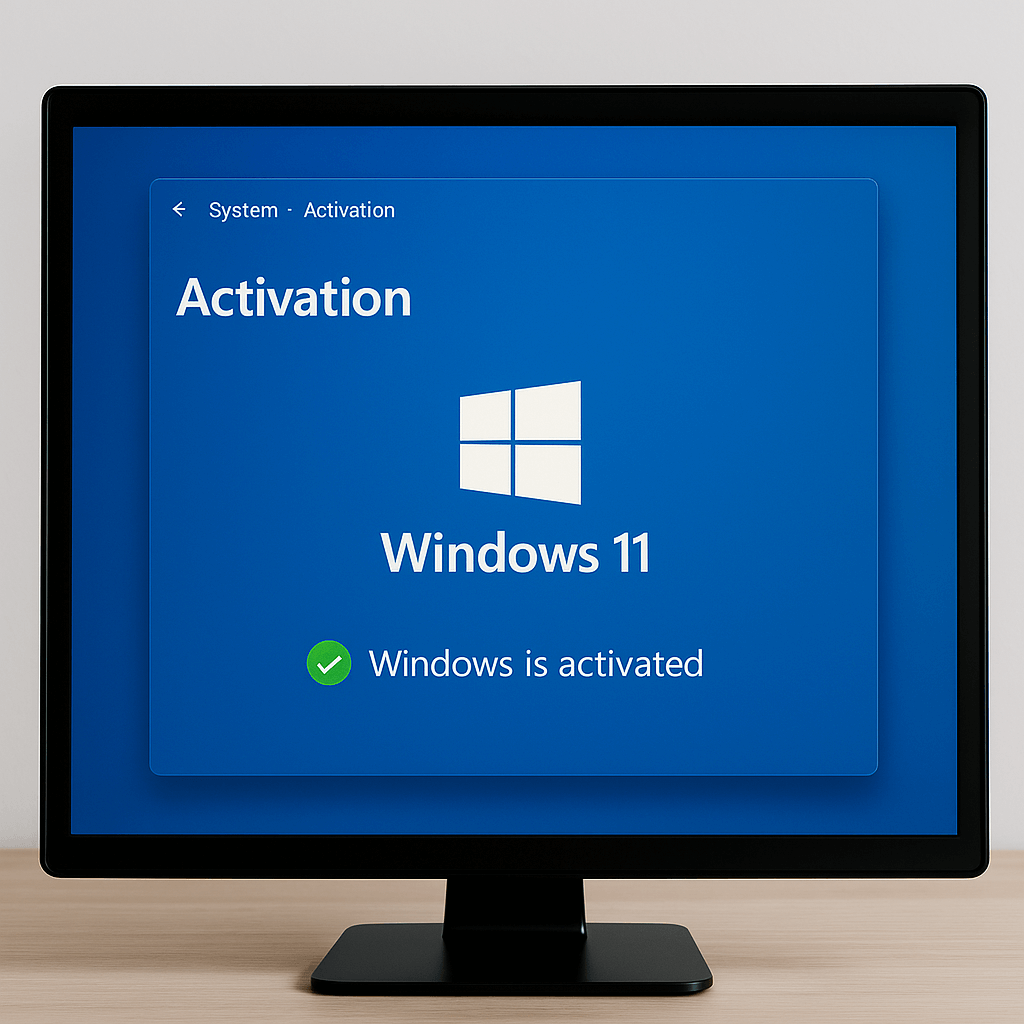
| Feature | OEM | Retail version |
|---|---|---|
| Price | ✅ Lower | ❌ Bigger |
| Transferable to another device | ❌ No | ✅ Yes |
| Technical support | ❌ No | ✅ Yes |
Recommendation: if you plan to use it for a long time on a single computer, you can choose OEM. If flexibility is important, choose Retail.
Windows 10 vs Windows 11 - which version to choose?
Fundamental differences:
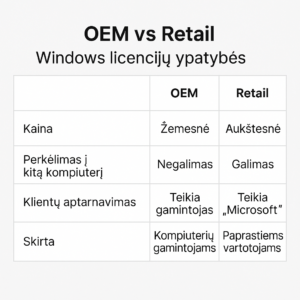
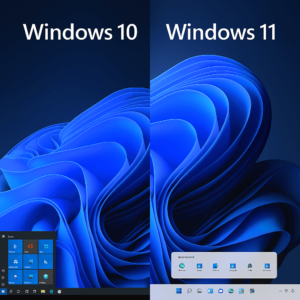
- Windows 11 has a more modern user interface, new features and optimised multi-application work.
- Windows 10 - stable, but already at the end of its support (October 2025).
Benefits of Windows 11:
- Improved safety.
- A more user-friendly interface (new menus, window layout options).
- Better integration with the latest processors.
When is it worth staying with Windows 10?
- If your device doesn't support Windows 11 requirements.
- If you are using specific business applications that are not yet Win11 ready.
Why buy an official Windows USB installation?
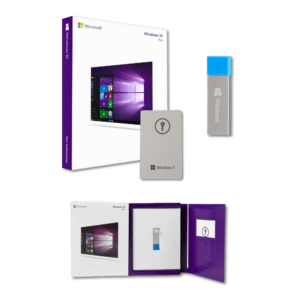
A USB stick with the Windows OS already loaded on it is a convenient and safe way to install the system.
Benefits:
- No need to create the installation media yourself.
- The USB version often has an updated version of Windows.
- Can be used on more than one device (Retail case).
- Physical packaging is an additional guarantee of reliability.
How do I recognise the original Windows licence and installation media?
What to check:
- Microsoft holograms.
- High quality packaging.
- The licence key is a separate sticker or certificate.
- Name of certified distributor.
Unreliable sources often use:
- MSDN licences (not for resale).
- Volume licences that expire.
- Fake USB sticks.
Is it safe to buy Windows from third-party sources (Amazon, eBay, etc.)?
Problems when buying from third countries:
- The origin of the licence is unclear.
- Restrictions on validity.
- No guarantee.
- If you lose your key, there's no one to help.
Why choose certified sources:
- Clear origins.
- Technical support.
- Invoice (especially important for businesses).
Conclusions and recommendations
The original operating system is not just about security, it's about comfort. An illegal version of Windows may cost less, but in the long run it can cause a lot of damage: both technical problems and financial losses. OEM is for the frugal, Retail for the flexible. And a physical USB product ensures that you have an original, secure and easy-to-install solution.
🔗 Buy an official Windows 10/11 Pro licence!