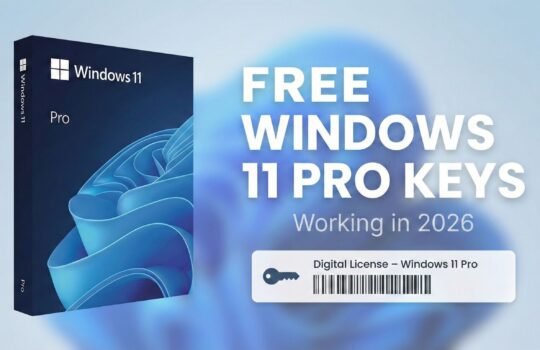
Windows 11 Pro: the next generation operating system on a physical USB
Windows 11 Pro - is one of Microsoft's most modern and powerful operating systems, designed to meet both business and personal needs. This version is packed with innovative features, a modern design and a high level of security. In this article, we'll discuss the key benefits of Windows 11 Pro, why you should choose the physical version with USB storage, and answer some of the most frequently asked questions about purchasing this operating system.
What is Windows 11 Pro and what makes it different?
Windows 11 Pro is an enhanced version of the operating system for professionals and demanding users. It combines sleek design, increased productivity and outstanding security. The features of this operating system are designed to ensure smooth operation for small and large businesses, as well as individual users.
New features to try:
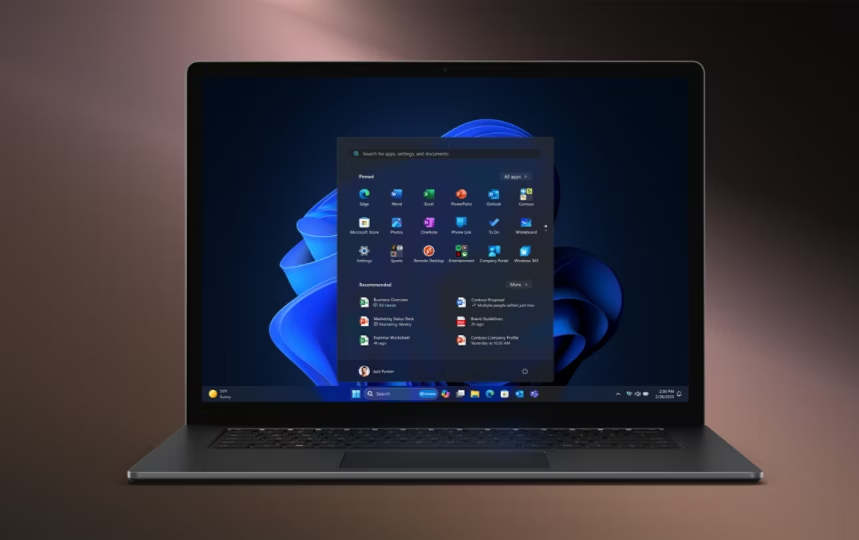
- Improved start menu - The new, minimalist design offers a modern and simple user experience. Everything you need is now more easily accessible.
- „Snap Layouts and Snap Groups“ - The convenient window layout makes you more productive, especially when using multiple monitors.
- Integration with Microsoft Teams„ - Access meetings, calls or messages from the taskbar.
- Exceptional security - Advanced features such as TPM 2.0 (Trusted Platform Module) ensure data protection and reliable device operation.
Why choose the physical version of Windows 11 Pro USB storage?
By choosing Windows 11 Pro physical version with USB stick, you get convenience and flexibility. Here are some of the benefits:
- Simple installation - The USB stick makes it easy and fast to install the operating system even without an internet connection.
- A back-up solution - Physical media is ideal if you need to reinstall your system.
- Possibility of donation - A USB stick is the perfect gift or solution for company employees' computers.
Windows 11 Pro price: what to know?
On the market, the price of Windows 11 Pro may vary depending on the vendor and the product format. Buying the physical version with USB storage tends to be slightly higher than a digital key, but you get a tangible product that is more reliable and easier to use.
If you are looking for Windows 11 Pro cheap, we recommend checking with reputable suppliers and comparing prices, but it is important to avoid unclear offers that may involve unlicensed software.
View all Windows operating systems
What's important when installing Windows 11 Pro?
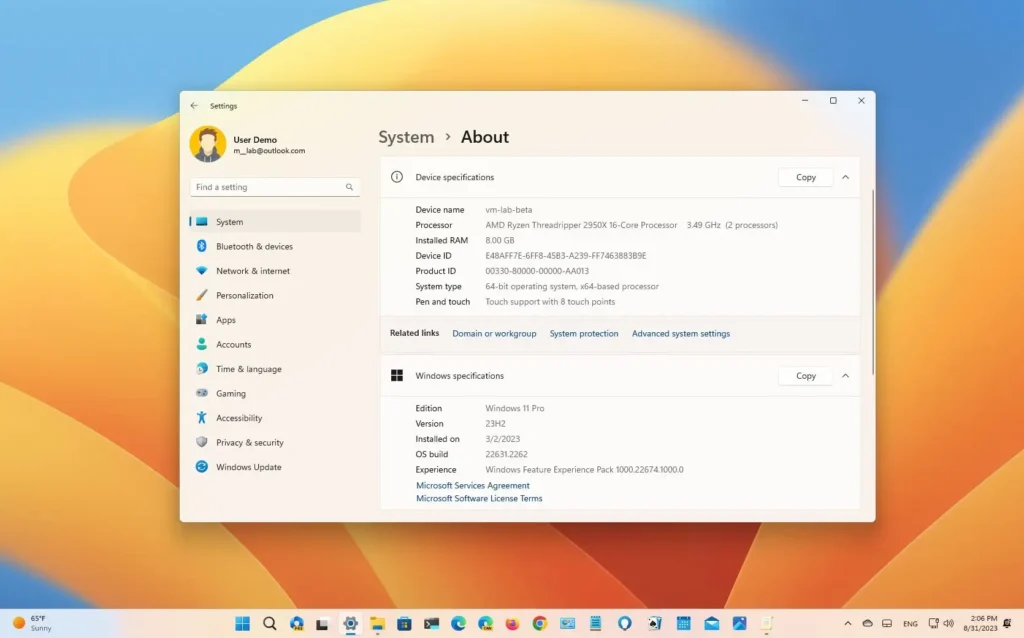
Before installation Windows 11 Pro with USB media, make sure your computer meets the minimum system requirements:
- Processor: 1 GHz or faster, with at least two cores.
- RAM: 4 GB or more.
- Memory: At least 64 GB of free disk space.
- TPM 2.0 and Secure Boot: the device must support the following features for security.
Why switch to Windows 11 Pro?
- Modern design - The new interface is in line with modern design trends and is easy to use.
- Better performance optimisation - Windows 11 Pro is designed to work efficiently with the latest PCs and devices.
- Long-term support - Take care of the future of your software with Windows 11 Pro, with long-term support for updates and security.
Finally,
Windows 11 Pro physical version with USB storage is the ideal choice for those who value simplicity, reliability and modern features. This operating system not only improves work efficiency, but also provides the highest level of security for your data. Buy Windows 11 Pro now and enjoy a comfortable working experience!