Home
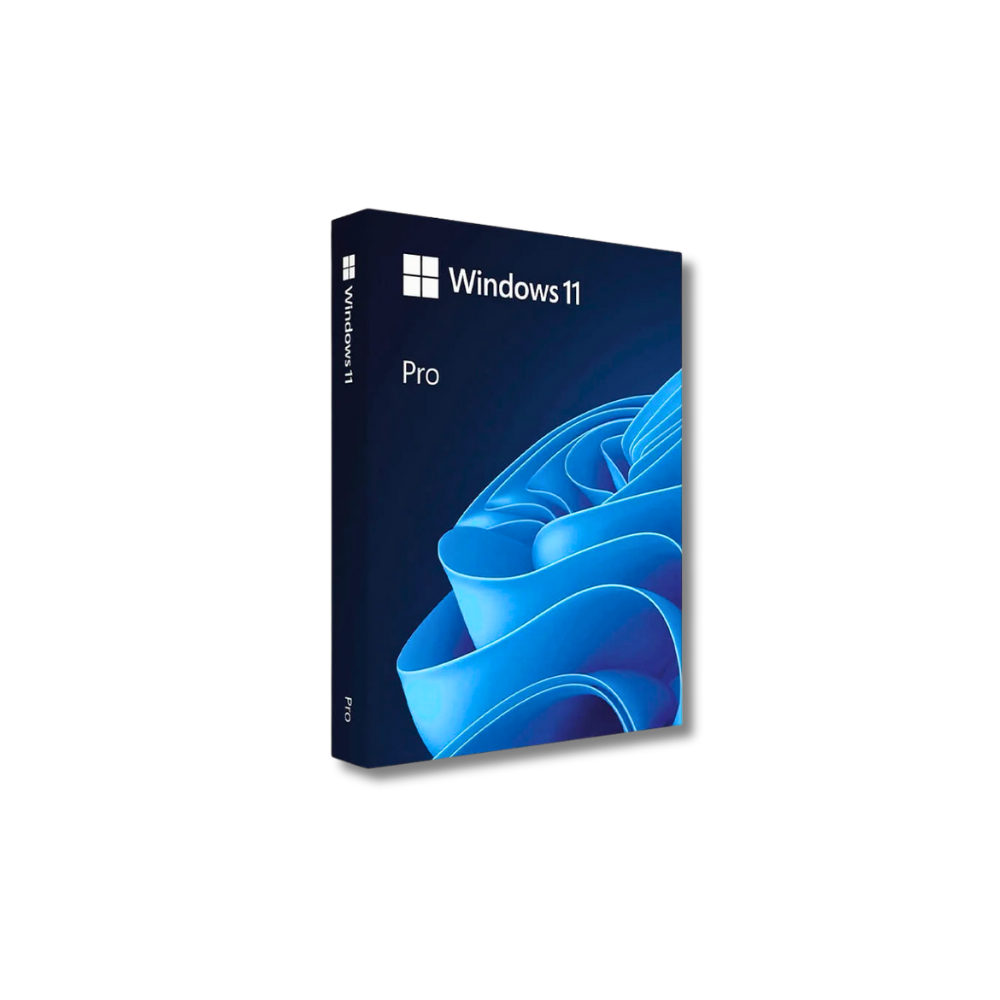
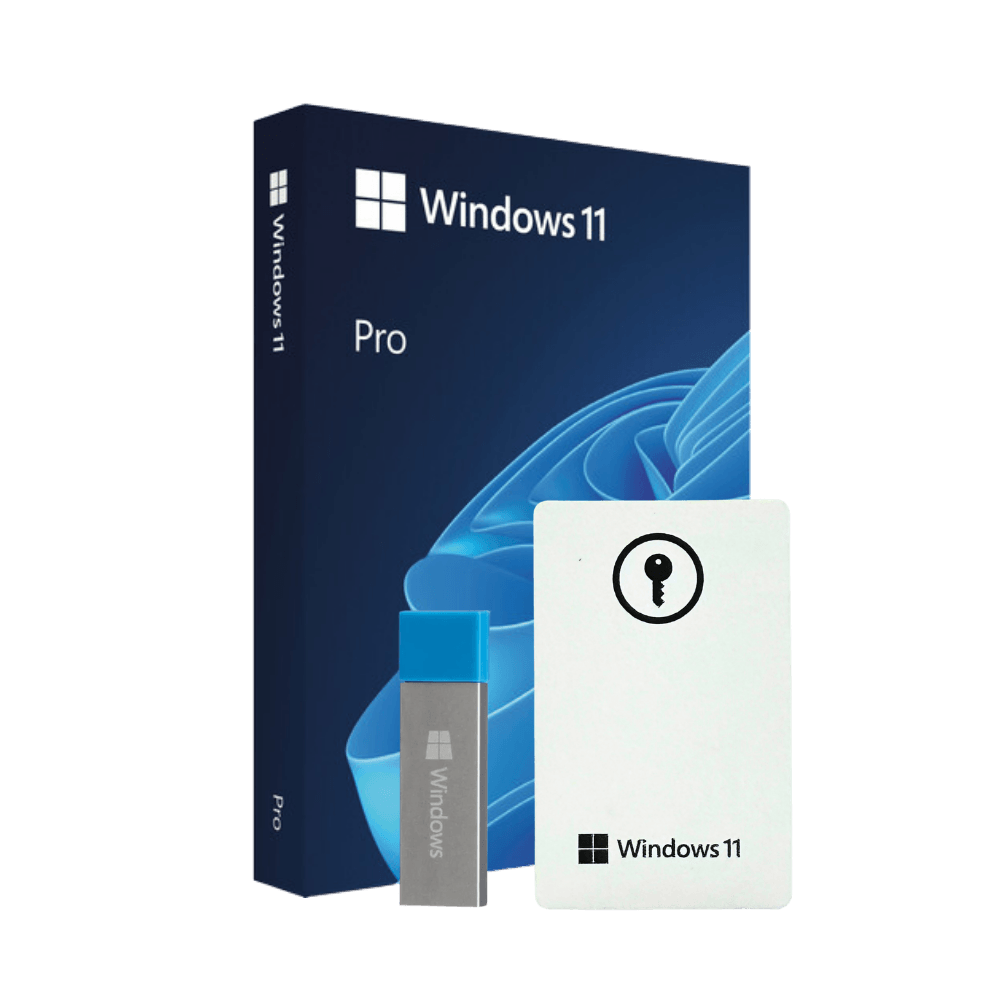
Windows 11 Pro
1,200+ reviews
Windows 11 Pro USB 64-Bit - an original Windows operating system for professionals and home users. This is physical product with a USB stick, not a digital licence.
169.99 EUR 59.99 EUR
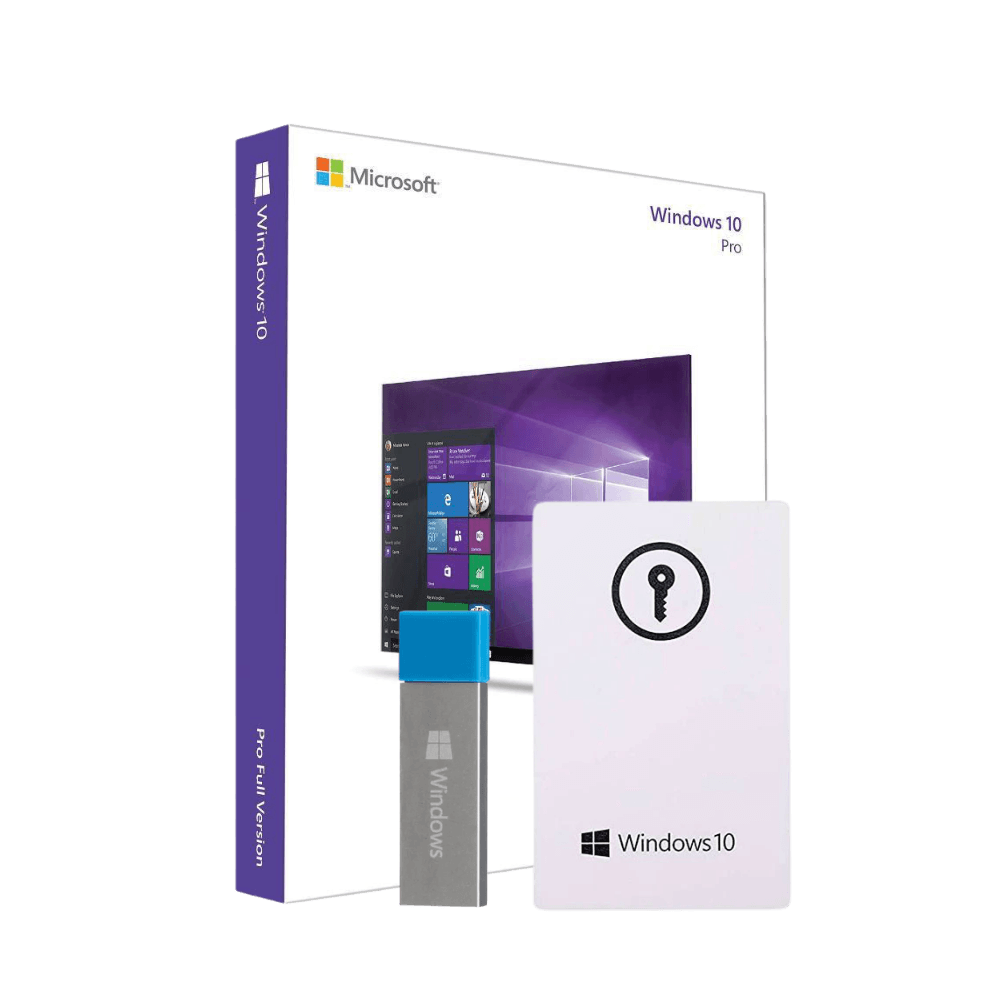
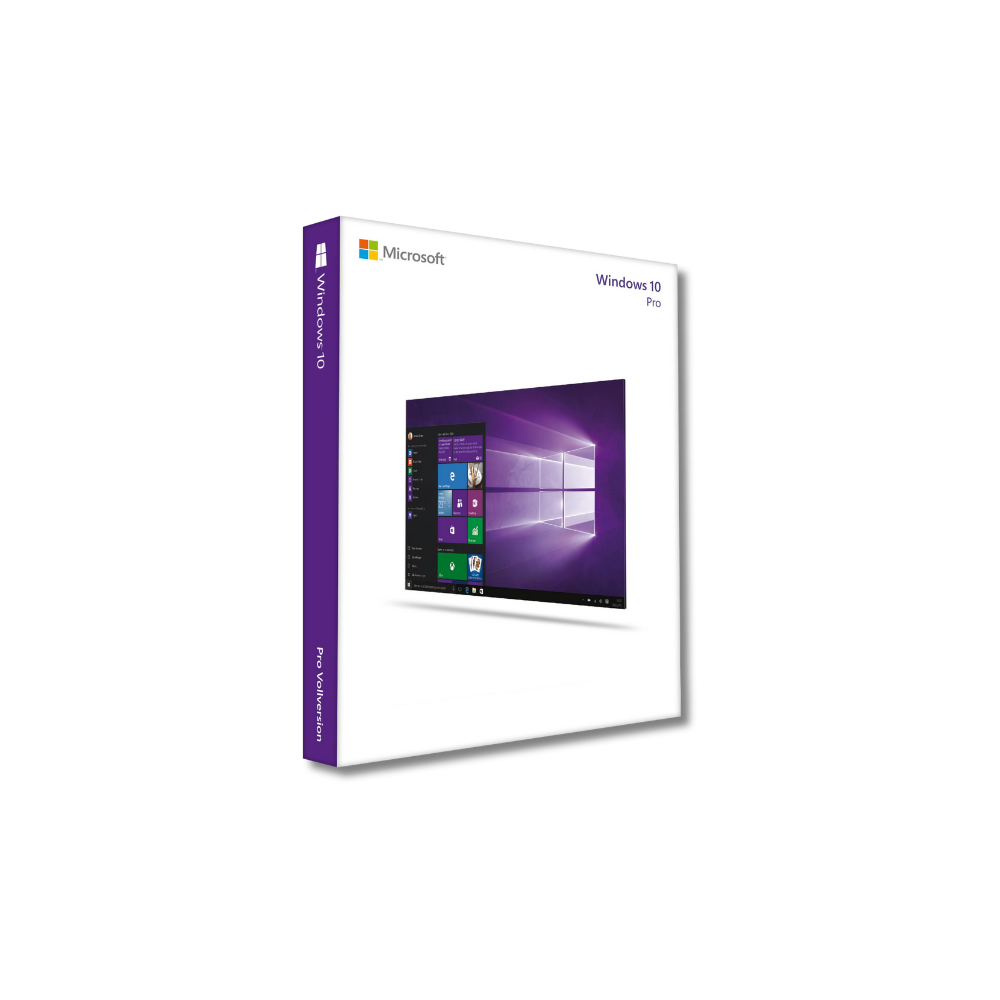
Windows 10 Pro
2,300+ reviews
Windows 10 Pro USB 32/64-Bit - an original Windows operating system for professionals and home users. This is physical product with a USB stick, not a digital licence.
169.99 EUR 59.99 EUR
Everything arrived in its original packaging, with the original documentation and USB. I saved about €90, I’m satisfied! - Aurimas K.
It met my expectations, the installation process was simple and everything works perfectly. - Gytis O.
I’m glad I found this store – an original product for a great price, I recommend it! - Laurynas S.
I was looking for a Windows system and was considering cracked ones, but here I found an original for a good price. Great! - Ernesto L.
I purchased 5 copies for the company, and Windows works as it should. Thank you! - Marius B.
Featured Videos
FAQ
Will I get a physical product or a digital licence of Windows 11 Pro?
When you purchase Windows 11 Pro, we will send you the original physical product with USB stick, manual and all original equipment.
Is this the original operating system?
Yes, all our products are genuine, not stolen, cracked or otherwise tampered with.
Will I be able to return the operating system?
Yes, if you change your mind and don't use the operating system, you can return it. Note: The packaging must be unwrapped, not torn, used or otherwise damaged. If the product has been opened or used, no return will be accepted.
How long does delivery take?
Delivery to a post office in Lithuania takes 1-3 days. You will be notified by SMS and email at the time of checkout when the parcel is delivered to the post office. After delivery, you can come to collect your parcel any day, any time of day.
How is Windows 11 Pro different from Windows 11 Home?
„Windows 11 Pro offers more advanced features for professionals and businesses, such as BitLocker, Remote Desktop and Group Policy Management, that aren't available in the Home version.
What are the minimum requirements for a PC to run Windows 11?
Key requirements:
- 1 GHz processor with 2 cores or more.
- 4 GB RAM.
- 64 GB free disk space.
- TPM 2.0 module.
- UEFI firmware with Secure Boot support.
Does Windows 11 support older apps?
Most older apps that worked in Windows 10 will work in Windows 11. However, some specific or outdated apps may require compatibility mode.
What is the difference between 32-Bit and 64-Bit operating systems?
64-Bit systems can handle larger amounts of RAM (over 4 GB) and are faster at complex tasks. 32-Bit systems are limited in this respect and are mostly designed for older devices. Windows 11 Pro is a 64-Bit only operating system.
What are the key security features of Windows 11 Pro?
„Windows 11 Pro security features include TPM 2.0, BitLocker data encryption, Windows Hello face or fingerprint login and regular security updates.
How many devices can I use with one Windows 11 Pro licence?
A single licence allows you to use Windows 11 Pro on only one device. If you want to use the operating system on other devices, you need to buy an additional licence.
Can I install Windows 11 Pro on a Mac?
Yes, you can use Windows 11 Pro on a Mac using a virtual machine (e.g. Parallels) or by installing via Boot Camp. You need to ensure that the installation meets the system requirements.
What is the benefit of having the original operating system?
The original Windows provides full support for security, performance and features. Plus, you get official technical support, regular updates and avoid the legal problems associated with pirated versions.
How can I tell if my Windows is genuine?
The original Windows usually has an activation status via Settings → Update & Security → Activation. In addition, when you purchase an original licence, you get an authentic activation key.
How long does it take to install Windows 11 Pro?
Installation usually takes between 20 and 60 minutes, depending on the performance of your computer and the preparation time.
Can I use Windows 11 Pro without activation?
Yes, but some features will be limited (e.g. personalisation settings). You will also see activation reminders.
Can Windows 11 Pro be used as a server operating system?
„Windows 11 Pro is not designed to manage servers, but it can be used as a remote desktop server or a management solution for small networks. For larger needs, Windows Server is recommended.