Key Factors to Consider When Choosing an OS License
TL;DR:
- Choosing the correct OS license ensures compatibility, support, and legal compliance across hardware and cloud environments. Missteps in license type, transferability, or lifecycle support can lead to deployment failures, legal issues, and unexpected costs. Proper licensing management involves thorough documentation, understanding legal obligations, and aligning license features with organizational needs.
Getting the wrong OS license is not just an inconvenience. It can mean failed cloud deployments, audit penalties, or legal obligations you never anticipated. The factors to consider when choosing an OS license go far beyond price, touching compatibility, support timelines, legal structure, and deployment architecture. Whether you’re an individual user activating a single PC, a small business managing a fleet of devices, or an IT professional handling cloud migrations, the right license decision protects your investment and keeps you compliant. This article covers 10 practical criteria, grounded in real technical and legal realities, so you can choose with confidence.
Table of Contents
- Key takeaways
- 1. The core factors to consider when choosing an OS license
- 2. Hardware and software compatibility
- 3. Understanding OS licensing models: BYOL vs. default licensing
- 4. Open source license types and legal implications
- 5. Support, updates, and lifecycle considerations
- 6. Cost, budget constraints, and compliance risks
- 7. Side-by-side comparison of major OS license options
- My honest take on OS licensing mistakes
- Find and buy the right OS license securely
- FAQ
Key takeaways
| Point | Details |
|---|---|
| Compatibility comes first | Verify your hardware, device count, and cloud platform support the license before purchasing. |
| Licensing models affect deployment | BYOL and default licensing carry distinct technical requirements, especially in cloud migrations. |
| Open source type matters legally | Permissive and copyleft licenses carry different obligations for redistribution and commercialization. |
| Lifecycle support affects budgets | Extended support options can extend OS stability and prevent costly forced upgrades. |
| Cost must include compliance risk | OEM, Retail, and Volume licenses differ in transferability and non-compliance penalties. |
1. The core factors to consider when choosing an OS license
Before comparing prices or features, step back and assess what you actually need the license to do. The term “OS license” covers two distinct categories that the industry often conflates. The first is a proprietary operating system license, such as a Windows license purchased for a specific device or deployment. The second is an open source software license, which governs how code can be used, modified, and shared. Knowing which category you’re dealing with shapes every other decision.
For proprietary licenses, your primary OS licensing decision factors are cost structure, device binding, and transferability. For open source licenses, the key criteria center on legal obligations, redistribution rights, and compatibility with your business model. Starting with this distinction saves you from applying the wrong framework entirely.
The importance of OS licensing only grows as organizations scale. A solo user running Windows on a single laptop has simple needs. A small business deploying twenty workstations, or an IT team migrating servers to AWS, faces a completely different set of requirements. Get the match wrong and you face blocked activations, failed instance launches, or legal exposure.

2. Hardware and software compatibility
This is the factor most buyers skip, and it causes the most problems. Not every license works on every hardware configuration, cloud platform, or device count. Check these before you commit:
- Hardware architecture: Does the OS version in the license support your CPU type and generation?
- Device count: OEM licenses typically bind to one device. Volume licenses cover multiple seats. Buying the wrong type leaves systems unactivated.
- Application compatibility: Your licensed OS version must support the middleware, enterprise applications, and drivers your team depends on.
- Cloud platform rules: Cloud providers enforce licensing restrictions at the infrastructure level. Windows Desktop Editions require BYOL in AWS environments, and AWS-provided license restrictions apply separately.
- Migration readiness: If you plan to move the license to new hardware or a new cloud environment later, verify that your license type permits transfer.
Pro Tip: Before buying any license, pull the compatibility matrix from the OS vendor’s documentation. Cross-reference it with your current and planned hardware inventory. This takes thirty minutes and can prevent weeks of troubleshooting.
License portability matters more than most buyers realize. Some licenses are tied permanently to the device they were first activated on, particularly OEM versions. If your hardware refresh cycle is faster than your license term, that’s a budget problem waiting to happen.
3. Understanding OS licensing models: BYOL vs. default licensing
This is where IT professionals and small business owners often run into unexpected walls, especially during cloud migrations.
BYOL (Bring Your Own License) means you bring an existing license you own and use it in a cloud or virtual environment instead of renting an OS through the provider. Default licensing means the cloud provider supplies the OS license and rolls the cost into your usage fee. Both approaches have legitimate use cases, but they come with strict technical requirements.
Here’s what you need to know in practice:
-
Dedicated host tenancy is mandatory for Windows BYOL in AWS. AWS MGN requires Windows BYOL to use dedicated host tenancy. You must change the EC2 launch template’s Placement.tenancy setting to “Host.” Miss this step and your instance launch fails.
-
BYOL is an architecture constraint, not just a procurement choice. Many teams treat licensing as a purchasing task and hand it to procurement. But the technical deployment requirements of BYOL must be validated by the team configuring cloud infrastructure, not just the person buying the license.
-
Default licensing is simpler but more expensive at scale. If you’re running a handful of cloud instances, default licensing is convenient. At scale, BYOL almost always costs less, but only if your existing licenses allow it under Software Assurance or equivalent programs.
-
Migration scenarios require license review first. Moving from on-premises to cloud? Your current Windows license may not authorize cloud deployment at all. Check your license agreement before you start the migration, not after.
Watch out: Licensing misalignment in cloud deployments does not produce a warning. It produces a failed launch. Validate your licensing model against your cloud provider’s requirements as part of your deployment checklist.
4. Open source license types and legal implications
Choosing an open source license, or working with code that carries one, requires understanding a framework the Open Source Initiative (OSI) has defined clearly. The main open source license types split into two camps: permissive and copyleft.
Permissive licenses (MIT, Apache 2.0, BSD) let you use, modify, and redistribute code with minimal conditions. You can incorporate them into proprietary products without releasing your source code. Apache 2.0 adds explicit patent grants, which matters if your product could attract patent litigation.
Copyleft licenses (GPL, LGPL, AGPL) require that derivative works be distributed under the same license terms. GPL applies when you distribute software. AGPL closes the “network use loophole,” meaning if you run GPL-licensed software as a service, you must still share your modifications. AGPL promotes dual-licensing opportunities while restricting contributor enthusiasm for commercial-only projects.
A few critical points that most guides ignore:
- OSI approval matters for compliance. The Linux Foundation recommends OSI-approved licenses and explicitly warns that copyright notices are not licenses. A copyright header in your source file grants no usage rights to anyone.
- Match the license to the file type. Applying a software license to documentation or data files creates legal and usage problems. Code and documentation need separate, appropriate licenses. Creative Commons licenses, for example, are designed for documentation and content, not code.
- No license means no permission. A public repository without a license technically offers no permission to use, copy, or modify the code. Even if the code is publicly visible on GitHub, using it in production without a license exposes your organization to legal risk.
“Source-available” licenses like BUSL (Business Source License) are not open source. They restrict commercial use for a defined period. Using them in a project you intend to commercialize without reading the terms is a common and costly mistake.
Dual licensing is worth exploring if you run an open source project with a commercial arm. You release the code under a copyleft license for the community while offering a commercial license to businesses that want to embed your code in proprietary products without the copyleft obligations.
For an open source license comparison that maps these types to real use cases, review the detailed breakdown before making a final call.
5. Support, updates, and lifecycle considerations
This factor separates quick decisions from smart ones, especially for enterprise environments. An OS license is not a one-time transaction. It’s a relationship with a support and update timeline. Getting this wrong leads to forced emergency upgrades, broken dependencies, or running software that no longer receives security patches.
Red Hat Enterprise Linux (RHEL) is the clearest example of how lifecycle add-ons work in practice:
| Support Tier | Duration | Key Benefit |
|---|---|---|
| Standard Support | Up to 5 years | Core updates and security patches |
| Extended Update Support (EUS) | 2 additional years | Locks minor version for stability |
| Enhanced EUS (EEUS) | 2 more years after EUS | Extends certified environment further |
| Extended Life Cycle Support (ELS) | Extends beyond 10 years | Critical fixes for major release end-of-life |
The practical value here is budget predictability. EUS lets you lock a minor version to avoid disruptive upgrades while still receiving security patches. If your application stack is certified for a specific RHEL minor release, upgrading to the next minor version could break certifications. EUS prevents that.
Extended security add-ons like Security Select deliver enhanced patching and vulnerability management for organizations with regulatory compliance requirements. They require a dedicated technical account manager, which adds a layer of accountability that regulated industries often need.
Pro Tip: When evaluating any enterprise OS license, map your application’s certified version requirements against the OS lifecycle calendar before signing. Misaligning these two timelines is how organizations end up paying for emergency support they could have avoided.
For Windows users, the equivalent consideration is whether you need Long-Term Servicing Channel (LTSC) editions, which prioritize stability over feature updates, versus standard releases that update more frequently. The right choice depends entirely on your workload requirements.
6. Cost, budget constraints, and compliance risks
Price is almost never the right place to start, but it’s where most buyers finish. Here’s a practical breakdown of what actually drives cost and risk:
- OEM licenses are the cheapest upfront option. They’re tied permanently to the hardware they’re first installed on. You cannot transfer them if you replace the device. They have no direct Microsoft support. Ideal for individuals buying a single machine, not for businesses with refresh cycles.
- Retail licenses cost more but are fully transferable. You can move them from one device to another, which makes them the right call if you anticipate hardware changes or need flexibility.
- Volume licenses are designed for businesses deploying multiple seats. They offer centralized management, Software Assurance benefits (which include BYOL rights for some cloud deployments), and renewal structures. The compliance burden is higher because you must track deployments accurately.
Software non-compliance is not a theoretical risk. Audits happen, and volume, OEM, and retail licenses carry distinct compliance impacts that affect how easily your organization can demonstrate proper licensing during an audit.
For IT professionals managing software compliance requirements, the cost of getting caught without proper documentation almost always exceeds the cost of buying the right license upfront. Maintain a license inventory. Keep purchase receipts and activation records. Treat license paperwork as audit evidence, because auditors will.
One overlooked cost factor: renewal policies. Some licenses expire and require renewal. Others are perpetual. Knowing which you’re buying prevents surprise costs when your budget is already set for the next fiscal year.
7. Side-by-side comparison of major OS license options
Here’s a quick reference to help you match license type to situation:
| License Type | Cost Model | Transferability | Support | Legal Obligations | Best For |
|---|---|---|---|---|---|
| OEM (Windows) | One-time, low cost | No | Via hardware maker | Minimal | Individuals, single devices |
| Retail (Windows) | One-time, higher cost | Yes | Microsoft direct | Minimal | Users who change hardware |
| Volume (Windows) | Subscription/bulk | Limited | Microsoft/partner | Track deployments | SMBs, enterprises |
| MIT / Apache 2.0 | Free | Yes | Community | Attribution only | Open source projects, commercial use |
| GPL / AGPL | Free | Yes (with conditions) | Community | Share source code | Community-first projects |
| RHEL with EUS | Subscription | Varies | Red Hat SLA | License compliance | Enterprises, regulated industries |
Recommendations by audience:
- Individuals: OEM or Retail Windows licenses for personal use. MIT-licensed open source tools for personal projects.
- Small businesses: Retail or Volume Windows licenses, depending on device count. Apache 2.0 for any software you build and want to monetize later.
- IT professionals: Volume licensing with Software Assurance for cloud BYOL rights. RHEL with appropriate lifecycle add-ons for server stability. GPL awareness is mandatory when integrating any open source components.
A common pitfall: buying OEM licenses for business devices, then discovering you cannot legally transfer them when refreshing hardware. This happens constantly. Check the license type details before you commit to a purchase for a business environment.
Pro Tip: For SMBs, the SMB compliance checklist from Operacinesistema walks you through the exact documentation you need to stay audit-ready without hiring a licensing consultant.
My honest take on OS licensing mistakes
By Danielius
I’ve worked alongside enough IT teams and small business owners to know that most licensing problems share one root cause: people treat licensing as a procurement task instead of a technical and legal one.
The number of times I’ve seen an organization complete a full cloud migration plan only to discover, at the deployment stage, that their existing Windows licenses don’t authorize cloud use under BYOL rules, is genuinely surprising. It’s not a rare edge case. It’s a pattern. And it’s entirely preventable if licensing is reviewed at the architecture stage, not the billing stage.
Another thing I’ve noticed: people confuse copyright notices with actual licenses constantly. A file header that says “Copyright 2024, Company X” does not give you any rights to use or modify that code. License documentation is governance evidence, not just a legal formality. I’ve seen open source projects get rejected from enterprise vendor reviews because they couldn’t produce a proper license file. Embarrassing and avoidable.
My practical advice: document every license you own. Serial number, purchase date, device assignment, and cloud deployment rights. Treat it like a fixed asset register. When an auditor shows up, or a partner asks for your license inventory before a deal closes, you want to pull that document in thirty seconds, not spend three weeks scrambling.
One more thing. For open source licensing, stop treating the choice as permanent. Many projects start with MIT for adoption speed, then layer in a commercial license later as the business model clarifies. That’s a legitimate strategy, and managed software support for IT teams should include license strategy reviews as part of the annual IT governance cycle, not just security patches.
The best OS license is the one you actually understand, can prove you own, and that matches how you’re actually deploying the software.
— Danielius
Find and buy the right OS license securely
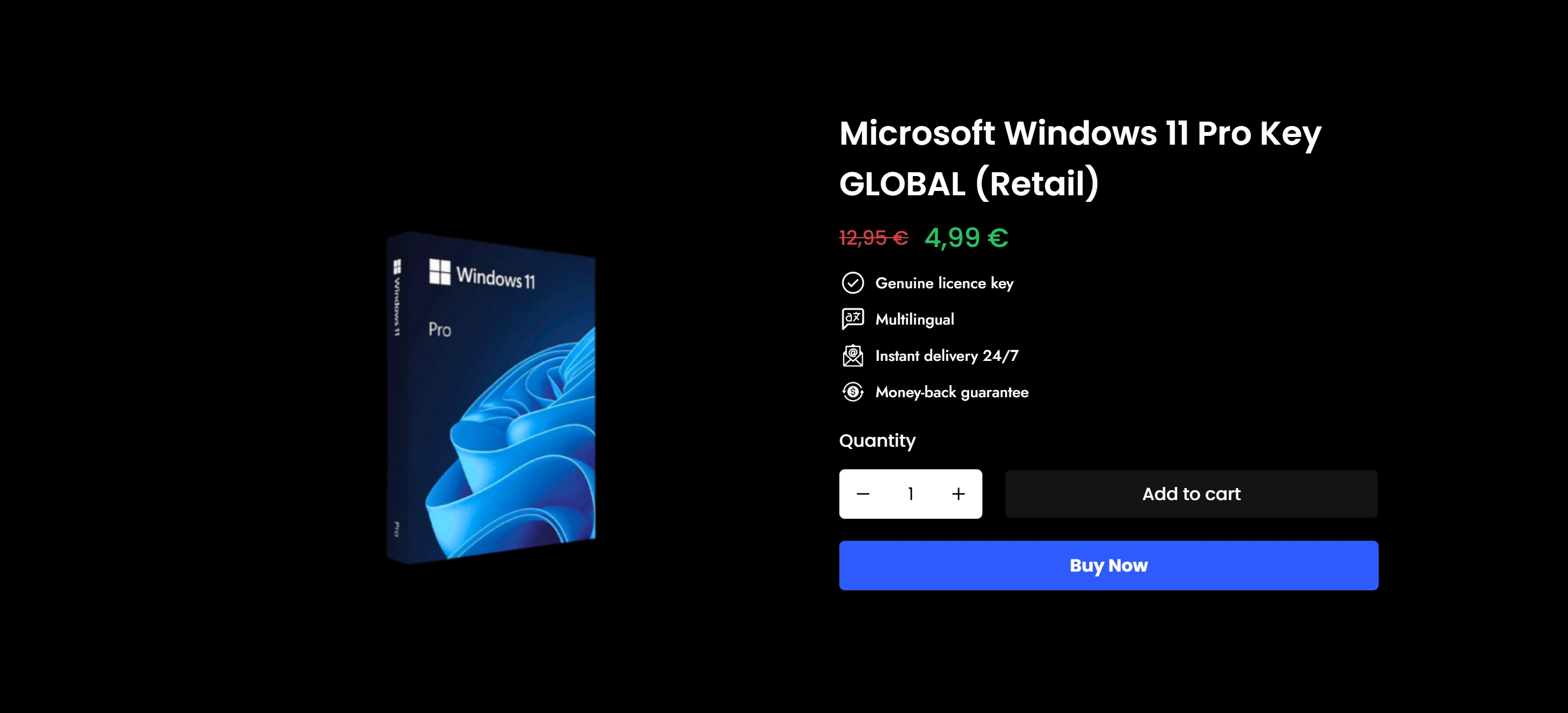
Knowing the criteria is only half the work. Applying them to an actual purchase is where buyers run into trouble, especially when they’re not sure whether they need OEM, Retail, or Volume licensing for their specific setup.
Operacinesistema makes that decision straightforward. The platform offers genuine Windows 10 and Windows 11 Pro licenses with instant digital delivery, verified authenticity, and full customer support. You can explore Windows license types to compare OEM, Retail, and Volume options with clear explanations before buying. If you’re ready to move forward, the secure buying guide walks you through each step so there’s no guesswork. Every license comes with a 100% authenticity guarantee. No fake keys. No blocked activations. No regrets.
FAQ
What is the difference between OEM and Retail OS licenses?
OEM licenses are permanently tied to the first device they activate on and cannot be transferred. Retail licenses cost more but can be moved to a different device if your hardware changes.
What does BYOL mean in cloud deployments?
BYOL stands for Bring Your Own License. It means using an existing OS license in a cloud environment instead of paying the cloud provider for OS access. It comes with specific technical requirements, including dedicated host tenancy for Windows in AWS.
Do I need a different license for documentation vs. code?
Yes. Software licenses like MIT or GPL are designed for code. Applying them to documentation or data files creates legal issues. Use separate licenses, such as Creative Commons, for non-code content.
What open source license should a small business use?
Apache 2.0 is a strong default for small businesses building software they plan to commercialize. It’s permissive, includes patent protections, and does not require sharing source code in derivative products.
What happens if I use unlicensed or improperly licensed software?
You face audit exposure, legal liability, and potential financial penalties. A public code repository without a license technically grants no usage rights, meaning any code you use from it without a proper license creates legal risk for your organization.